
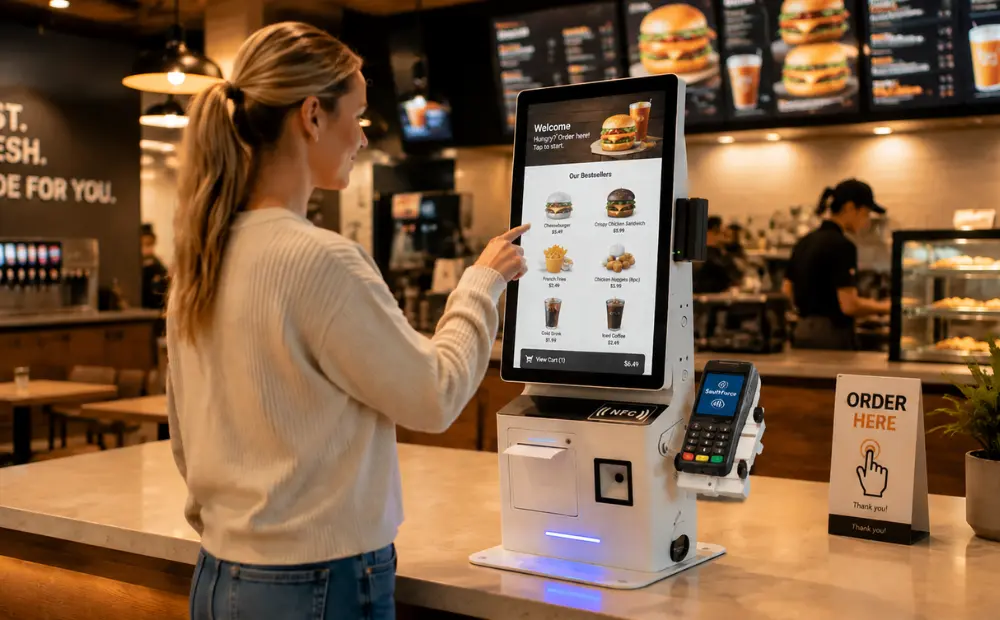
If you deploy self-service kiosks at scale, you already know the pain. A unit crashes mid-order. A customer accidentally swipes into a taskbar. The receipt printer jams for the third time this week. The end user blames the brand. The brand blames the integrator. The integrator blames the hardware vendor. Nobody wins.
What I keep seeing is that most kiosk failures are not random. They follow patterns. And those patterns almost always trace back to hardware and software decisions made too early in the project — before anyone stress-tested real-world conditions. This article breaks down the most common failure points we see in the field. It also explains what system integrators and software vendors should actually be demanding from their POS hardware and kiosk platforms.
According to IHL Group, self-service kiosk deployments continue to grow across QSR, grocery, and retail sectors. The pressure to deliver stable, consumer-ready units has never been higher.
The Security Gap Nobody Talks About Until It Goes Viral
Here’s the thing about kiosk security. Most operators assume it is handled. It usually is not.
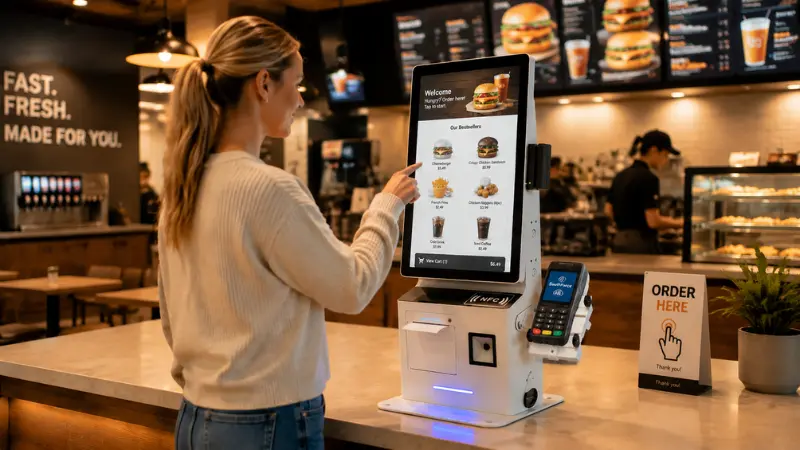
We have seen reports of customers bypassing kiosk lockdown simply by using multi-finger gestures. A pinch here, a swipe there — and suddenly the underlying OS is exposed. Taskbars appear. Browsers open. In the worst cases, customers can access file directories or system settings. That is a serious problem.
This is not a software-only issue. It starts with hardware selection. A self-service kiosk running on a consumer-grade tablet with a generic Android build is going to behave like a consumer-grade tablet. Because it is one.
What you need is dedicated kiosk hardware with a locked bootloader, a hardened OS layer, and a display driver that does not pass through unintended multi-touch commands. You also need persistent watchdog software that reboots the application — not the device — when a crash is detected.
In my experience, integrators who skip this step early save maybe $80 per unit. Then they spend $800 per unit in field service calls. The math never works out.
NRF research on retail technology consistently points to customer trust as a top priority in self-service deployments. A kiosk that exposes an OS or crashes mid-transaction destroys that trust fast.
Also worth watching: inconsistent behavior across locations. If a kiosk runs differently at Site A versus Site B, your software is probably not the problem. Your hardware spec is. Standardization matters. Lock it down before you scale.
Receipt Failures and UX Failures Are Both Hardware Problems

Let me be direct about receipt printers. They are the most complained-about component in QSR kiosk deployments. Customers place an order. They expect a receipt. Nothing comes out. Now they are unsure if the order went through. Some reorder. Some leave angry. Either outcome is bad for business.
The root causes are almost always mechanical. Paper path jams from low-quality thermal paper. Print head wear from high transaction volume. Insufficient cutter mechanisms on budget units. These are not exotic failure modes. They are predictable. And preventable.
When you specify a commercial-grade kiosk, the printer should be an industrial-spec thermal unit — not a rebranded desktop printer shoved into an enclosure. Check the MCBF rating. Check the auto-cutter cycle rating. Ask the vendor how many cuts per day the unit is rated for at 40°C ambient temperature. If they cannot answer that question, move on.
UX failures are also partially a hardware conversation. A slow processor creates lag between tap and response. That lag makes users tap again. Double-taps trigger unintended selections. Suddenly a customer has added three upgrades they did not want. The UI gets the blame, but the underlying cause is often underpowered hardware running too many simultaneous processes.
According to Statista data on self-service technologies, customer satisfaction with kiosks drops significantly when transaction times exceed 90 seconds. Slow hardware is a direct contributor to that problem.
What Reliable Kiosk Hardware Actually Looks Like
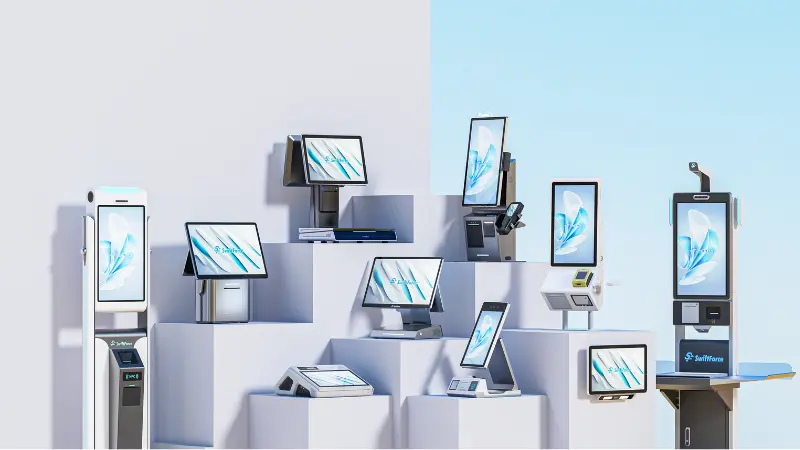
There is a real difference between a kiosk that looks reliable and one that actually is. Here is a simple comparison that I use when evaluating hardware specs for new deployments.
| Spec Category | Consumer-Grade Unit | Commercial-Grade Unit | Why It Matters |
|---|---|---|---|
| Processor | Entry-level ARM chip | Industrial-grade x86 or high-tier ARM | Handles concurrent processes without lag |
| Touchscreen | Consumer PCAP panel | Hardened PCAP with gesture filtering | Blocks unintended multi-touch inputs |
| Receipt Printer | Desktop thermal printer | Industrial thermal, high MCBF rating | Survives high daily transaction volumes |
| OS Security | Standard Android or Windows | Locked bootloader, hardened kiosk mode | Prevents OS exposure and unauthorized access |
In my experience, the difference in unit cost between these two categories is usually 20–35%. The difference in total cost of ownership over 36 months is often 200% or more when you factor in field service, downtime, and customer churn.
For integrators speccing out new deployments, the POS hardware ecosystem you build around your kiosk matters just as much as the kiosk itself. A reliable kiosk connected to an unstable POS backend still produces a bad customer experience. Think about the full stack.
RBR Global tracks self-service and ATM deployment data globally. Their findings consistently show that uptime and reliability are the top procurement criteria for enterprise buyers. Not price. Reliability.
What System Integrators Should Be Demanding Right Now
If you are a system integrator or software vendor, here is what you should be asking every hardware supplier before you commit to a deployment.
First, ask for MTBF data. Mean time between failures should be documented. If a vendor cannot provide it, that tells you something.
Second, ask how the unit handles a software crash. Does it reboot the whole machine? Or does it restart only the kiosk application? Application-level recovery is faster and less disruptive. It should be standard.
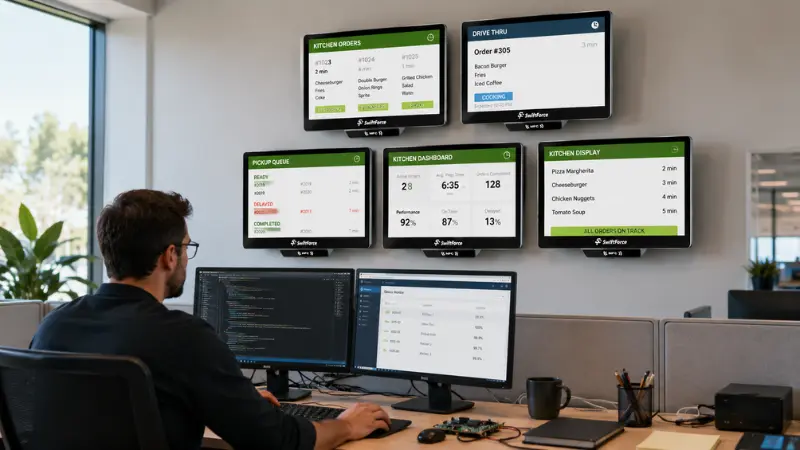
Third, ask about remote management. You need to monitor unit health across your entire deployment from one dashboard. Fan speed, CPU temperature, printer status, display brightness — all of it. If you cannot see it remotely, you are reacting to failures instead of preventing them.
Fourth, get clear on warranty and RMA terms. A 48-hour advance replacement guarantee is different from a 10-business-day depot repair. In a high-volume QSR environment, 10 days of downtime is not acceptable.
What I keep seeing is that integrators who ask these questions upfront close better deals. They also have fewer headaches post-deployment. Clients trust them more because the hardware performs. That trust turns into repeat business and referrals.
Reliable Hardware Is the Foundation of Successful Kiosk Deployments
A great self-service experience does not stop at the kiosk. If you are also evaluating back-of-house solutions, it is worth looking at how KDS units integrate with your kiosk order flow. A reliable front-of-house experience means nothing if orders are lost or delayed in the kitchen. The full stack needs to be stable end to end.
For larger retail environments exploring mobile-first approaches, smart cart technology is also entering the conversation as an alternative to fixed-position kiosks. It is a space worth watching if you handle grocery or hypermarket clients.
Kiosk reliability is not a nice-to-have. It is the foundation of every successful self-service deployment. The patterns are clear. The failures are predictable. The solutions exist. What separates good integrators from great ones is simply whether they demand the right hardware before the first unit goes into the field.
Build Your Next Deployment with Reliable Commercial Hardware
Ready to spec reliable kiosk and POS hardware for your next deployment? Explore the full range of SwiftForce commercial hardware solutions designed for real-world deployments, including kiosk terminals, POS systems, and retail technology solutions. We work with integrators, distributors, and software vendors across global markets.
Have a specific project requirement or compatibility question? Please share your plans with our team. We will help you choose the right hardware setup and build a reliable solution from the start.