
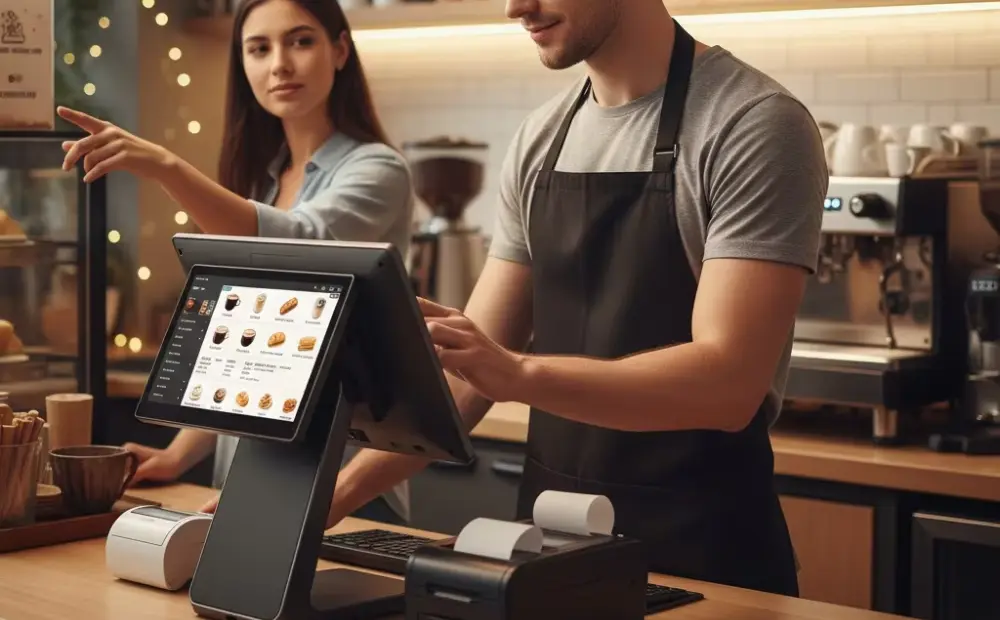
System instability is the number one complaint I hear from integrators in the field. Not pricing. Not lead times. Instability. A POS unit that locks up mid-transaction, a kiosk touchscreen that stops responding, a device that needs a daily reboot to stay functional — these are not minor inconveniences. They are revenue killers. And in my experience, most of these failures are preventable.
What I keep seeing is operators treating symptoms instead of causes. They reboot the device, it works for a day, and they move on. Then it happens again. And again. That cycle is expensive and exhausting. According to NRF research, unplanned system downtime at the point of sale directly impacts customer satisfaction and store-level revenue. This is not a small problem.
This article is for system integrators, software vendors, and distributors who are tired of fielding the same support calls. We are going to talk about the real causes of POS hardware instability, touch failure patterns, and what a reliable deployment actually looks like.
The Most Common POS Hardware Failures — And Why They Keep Happening
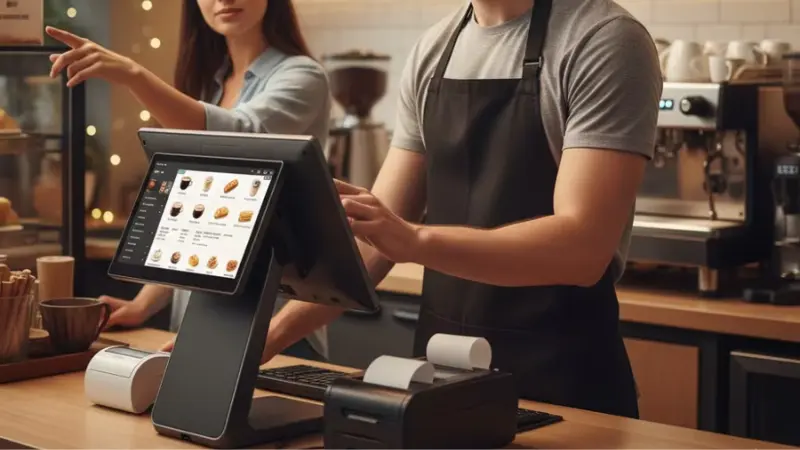
Let me break down the failure types I see most often. They cluster into four categories.
Device not recognized
A peripheral — scanner, printer, card reader — suddenly disappears from the system. The software throws an error. The cashier is stuck. This is almost always a driver conflict or a USB power management issue. Windows will drop power to USB ports under certain conditions. That kills your peripherals mid-shift.
Transaction lag or freezing
The screen hangs during payment processing. Sometimes it clears. Sometimes it does not. This is usually a memory or storage bottleneck. Entry-level hardware running full retail software stacks gets overwhelmed. IHL Group reports that underpowered hardware is a leading cause of POS slowdowns in retail environments globally.
Data not syncing
The local POS shows one inventory count. The back office shows another. This is a network configuration problem, usually a mix of Wi-Fi dropout and poor sync scheduling. It gets worse in high-traffic stores where bandwidth is shared across many devices.
Interface unresponsive
The screen just stops taking input. Touch does nothing. This is where hardware and software cross paths. It could be a driver issue, a thermal event, or a genuine touch controller failure.
Here is the thing — none of these are exotic problems. They are predictable. Spec your hardware correctly, configure the OS properly, and most of these go away. The issue is that many deployments use consumer-grade or underspecced hardware in commercial environments. That is where the trouble starts.
Touch Failure Patterns: What Intermittent Means in Practice
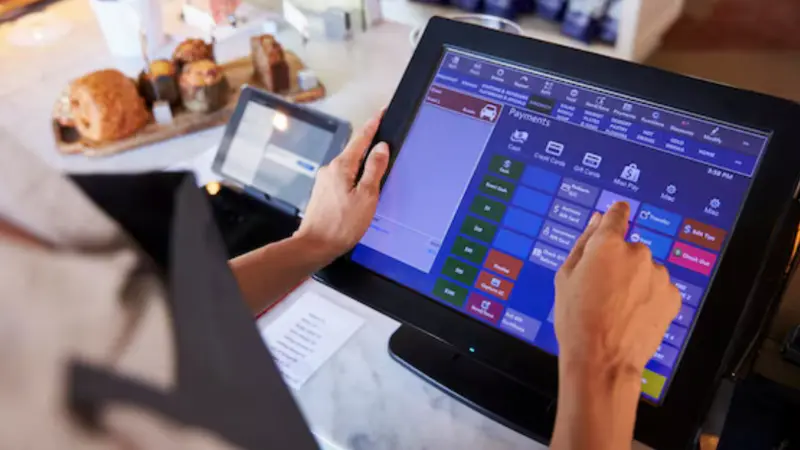
Intermittent touch failure is its own category of pain. Here is why it is especially frustrating.
When a device fails completely, you replace it. Done. But when it fails sometimes — works fine for four hours, then goes dead for twenty minutes, then comes back — you end up chasing ghosts. The device passes your bench test. The technician shows up and it is working fine. But the end user knows what they experienced.
A reboot fixes it temporarily. Why? Because the reboot resets the touch controller driver stack. That is all. The underlying condition — firmware instability, heat accumulation, driver memory leak — has not changed. The next failure is already scheduled.
According to RBR research on self-service terminals, touch panel reliability is a top hardware concern in high-traffic deployments. This is consistent with what we see on the ground.
For commercial deployments, you need hardware with an industrial-grade touch controller, proper thermal management, and firmware that is maintained and updated. Consumer devices in commercial roles are always a compromise. Sometimes it works. Often it does not.
Diagnosing the Root Cause: A Practical Framework
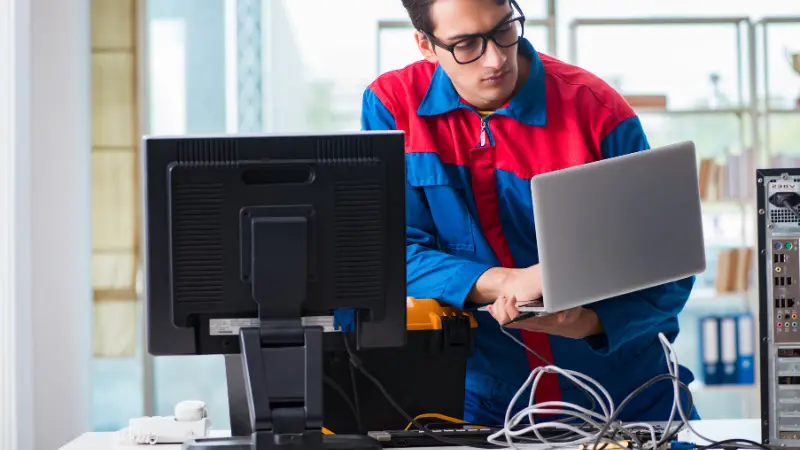
Here is the framework I use when a customer calls with an unstable system. Work through this in order before you touch any hardware.
| Symptom | Likely Cause | First Check | Typical Fix |
|---|---|---|---|
| Device not recognized | USB power management/driver conflict | Device Manager, event log | Disable USB selective suspend, update drivers |
| Transaction lag | Hardware underspecced for software load | CPU and RAM usage at peak time | Upgrade RAM or storage, close background processes |
| Data not syncing | Network dropout or sync config error | Wi-Fi signal strength, sync logs | Move to wired LAN, fix sync schedule |
| Touch unresponsive | Touch controller driver / thermal issue | Device temperature, driver version | Update touch firmware, improve ventilation |
The table above covers the most common cases. Print it. Share it with your tier-one support team. It saves a lot of back-and-forth.
One thing I always check early is the deployment environment. Is the unit in direct sunlight? Is there airflow around the unit? Commercial hardware handles heat better than consumer hardware, but no device is immune to a bad installation. I have seen perfectly good hardware fail because it was installed inside a cabinet with zero ventilation.
For POS hardware specifically, check the OS image. Many instability problems trace back to a bloated or misconfigured OS. Use a clean, minimal image designed for the hardware. Remove everything that does not need to be there.
Hardware Reliability: Choosing the Right Platform From the Start
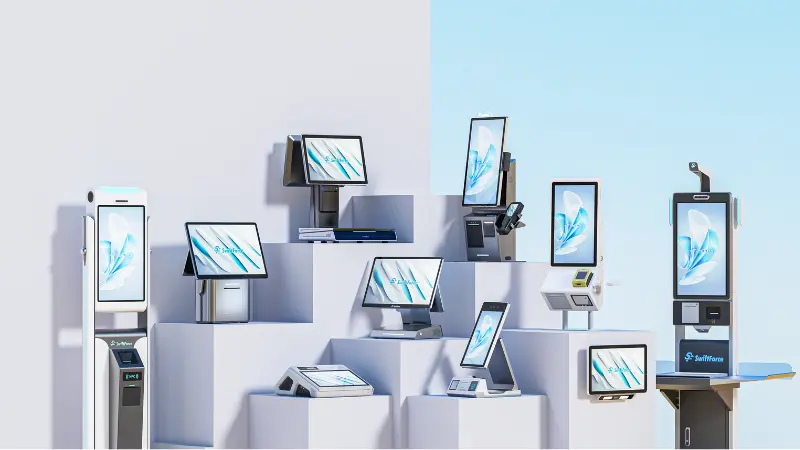
This is where most problems actually start. Not in the field. In the purchasing decision.
In my experience, the integrators who have the fewest support headaches are the ones who were strict about hardware selection upfront. They did not chase the lowest unit price. They looked at total cost of ownership — hardware cost plus support calls plus field visits plus customer churn from bad experiences.
Here is what commercial-grade hardware reliability actually means in practice:
- Industrial touch panels. Rated for continuous operation. Not consumer panels repurposed for retail.
- Thermal design. Fanless or properly ventilated. Designed to run at operating temperature for 16+ hours.
- Certifications. CE, FCC, RoHS as a baseline. For certain markets, additional certifications matter.
- Firmware and driver support. The vendor needs to maintain this. A device with no firmware updates after six months is a liability.
- Proven OS compatibility. The hardware and software need to have been tested together, not just listed as compatible.
This matters whether you are deploying a self-service kiosk, a kitchen display unit, or a full POS terminal. The environment is commercial. The hardware needs to match.
Reliable Hardware Is the Foundation of Successful Deployments
Statista data on global POS system adoption shows the market is growing fast. More deployments mean more opportunities — and more places for reliability issues to show up if you are not careful.
For retail technology deployments at scale, a system integrator needs a hardware partner who understands the environment. Not just the spec sheet. The real-world conditions. Heat, dust, constant touch input, long operating hours. That context has to be built into the product.
At SwiftForce, we design our hardware — including our KDS units — with these conditions as the baseline, not the edge case. System instability is not a mystery. It is usually a mismatch between the demands of a commercial environment and the capabilities of the hardware deployed in it. Fix that mismatch and most of the problems go away. Keep patching over it and you will be making the same support calls next quarter.
Build Your Next Deployment with Reliable Hardware
If you are dealing with unstable deployments right now — or you want to make sure your next project does not end up there — we are ready to talk through the specifics. Visit SwiftForce Electronic Technology to see our full range of commercial hardware platforms, or reach out directly at our contact page. Bring your deployment details. We will give you straight answers.