
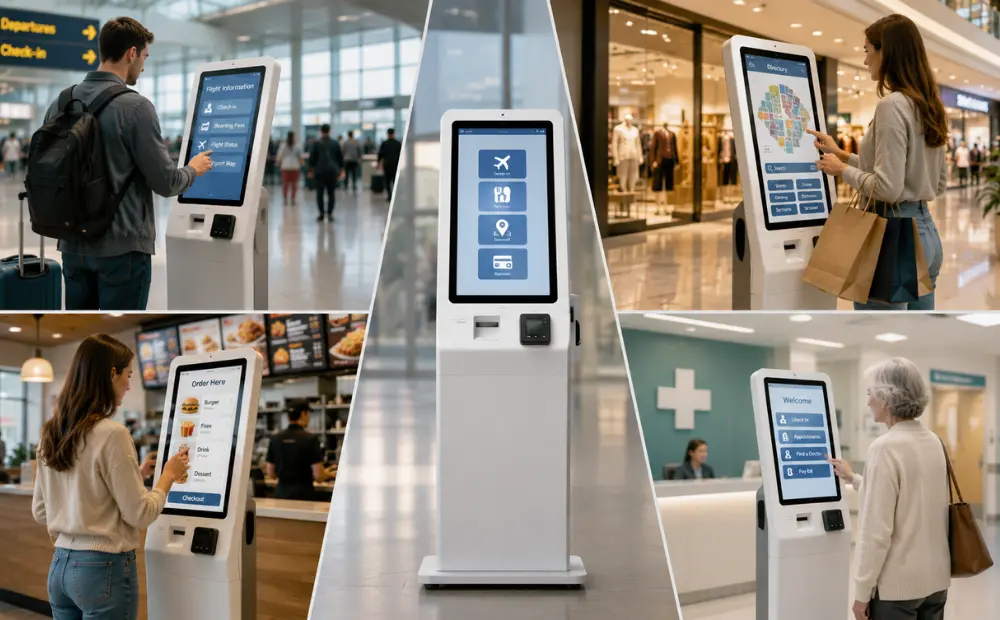
You deal with long lines, staff shortages, and rising costs every day. Peak hours put pressure on your team. Guests wait. Some walk away. That lost time cuts into your revenue. You need faster service without hiring more people. Kiosks help you do that. They speed up ticket sales, reduce queues, and increase spend per guest. This guide breaks down kiosk costs, ROI drivers, and real use cases across theme parks, museums, cinemas, and FECs.
Why Entertainment Venues Are Prioritizing Kiosk Investments

You face pressure on all sides. Visitor numbers rise. Labor costs rise, too. Lines get longer during peak hours. Staff cannot keep up. This mix slows service and cuts into revenue. Many operators now look for a way to scale without adding headcount. Kiosks offer that path.
Labor Challenges in High-Volume Venues
Front-line roles are hard to fill and harder to keep. Peak seasons make it worse. Training new staff takes time. Turnover breaks service flow.
- Seasonal hiring gaps slow operations at the worst time
- New staff need training before they reach full speed
- High turnover leads to constant rehiring and retraining
- Experienced staff get pulled in too many directions
These issues raise costs and reduce service quality. You feel it most during busy days.
Queue Friction Leads to Lost Revenue
Long lines do more than frustrate guests. They reduce how much people buy. Every minute in line is a missed chance to sell. Guests skip food, drinks, or add-ons like fast passes. Families avoid busy counters and move on. Shorter lines increase both satisfaction and revenue.
Throughput Limits During Peak Hours
Manual service creates a hard cap on how many people you can serve. Staff can only process so many transactions per hour. Ticket counters have slow entry. Food lines delay orders. Check-in delays create crowd build-up at entrances. When throughput drops, revenue follows. You cannot scale output with manual systems alone.
Scaling Without Adding Headcount
Adding more visitors should mean more revenue. But each new service point requires trained staff. Labor costs grow fast, and managing larger teams adds complexity.
- Kiosks act as a scalable operations layer
- Reduce dependence on additional staff
- Handle ticketing, check-in, and ordering without extra shifts
- Maintain consistent service during peak hours
This is why kiosks now play a key role in digital transformation in entertainment.
What Is Kiosk ROI for Entertainment Venues?
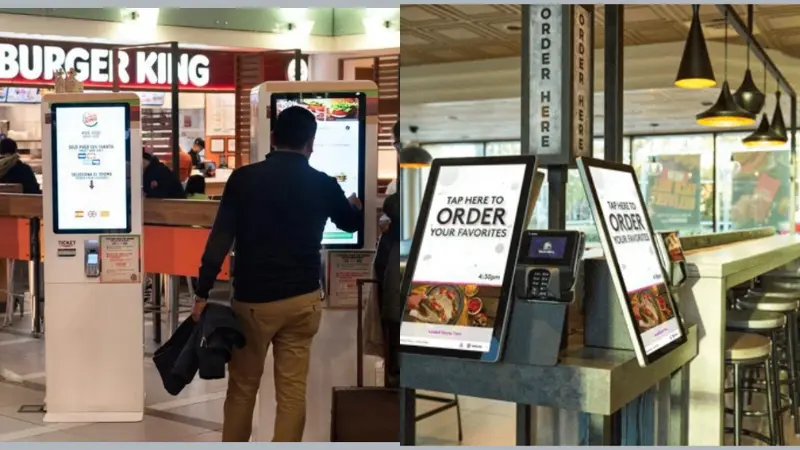
Kiosk ROI shows how much value a kiosk adds to your venue. You calculate it with a simple formula:
ROI = (Revenue gains + Cost savings − Kiosk costs) ÷ Kiosk investment
For operators, ROI is more than a number. It shows how kiosks improve both revenue and operations.
Key ROI Components
- Labor Cost Reduction
Kiosks reduce the need for staff at ticket counters, check-in points, and ordering stations. Fewer staff means lower wages and fewer training hours.
- Increased Transactions Per Hour
Kiosks serve guests faster. Peak-hour queues move quickly. Each kiosk allows more transactions in the same time window.
- Higher Average Order Value (AOV)
Kiosks can upsell tickets, food, or merchandise. Guests are more likely to add extras when ordering on a self-service screen.
- Reduced Queue Abandonment
Long lines make visitors leave without buying. Kiosks shorten waits and keep guests engaged, boosting revenue.
ROI is not just about cutting costs. It also shows how kiosks increase revenue and improve operational efficiency. When calculated correctly, kiosk ROI provides a clear picture of the financial and operational impact on your venue.
Types of Kiosks That Directly Impact Revenue and Efficiency
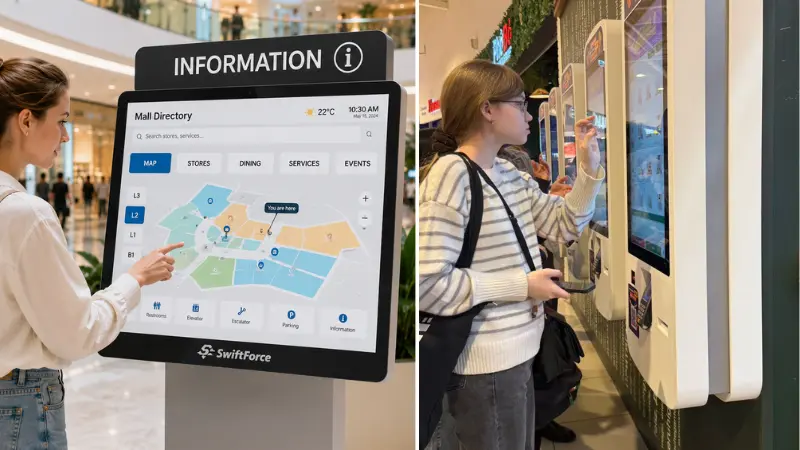
Each kiosk type serves a different purpose and drives different results. Some reduce labor needs, others increase revenue or speed up visitor flow. Choosing the right mix depends on your venue, visitor volume, and goals. Understanding each kiosk’s business impa ct helps you maximize ROI.
Ticketing Kiosks (Front Gate Revenue Optimization)
Ticketing kiosks let guests buy tickets quickly without relying on box office staff. They reduce long lines during peak hours. Guests can also purchase add-ons like fast passes, VIP access, or bundled tickets.
ROI impact:
- Reduces staff hours at ticket counters
- Increases tickets sold per hour
- Boosts per-visitor revenue through upsells
These kiosks keep lines moving and increase sales without adding extra staff.
Check-In Kiosks (Throughput & Entry Flow)
Check-in kiosks scan mobile or printed tickets, speeding entry. They reduce bottlenecks at entrances and allow more guests to enter each hour. This improves the overall guest flow and minimizes congestion.
ROI impact:
- Higher throughput during peak periods
- Fewer staff required at gates
- Shorter wait times increase guest satisfaction
Efficient entry leads to better visitor experiences and more spending inside the venue.
Kiosk Ordering for Entertainment Venues (Per-Cap Revenue Driver)
Self-service ordering kiosks let guests buy food, drinks, or merchandise without waiting in line. Visual menus and multiple languages make ordering easier and faster. Guests tend to add extra items when ordering on-screen.
ROI impact:
- Increases average order value (AOV)
- Reduces the staff needed at food and merchandise counters
- Shorter queues encourage more purchases
By combining ticketing, check-in, and ordering functions, kiosks directly improve revenue per visitor and operational efficiency.
Kiosk Cost Breakdown for Attractions (Decision‑Maker View)
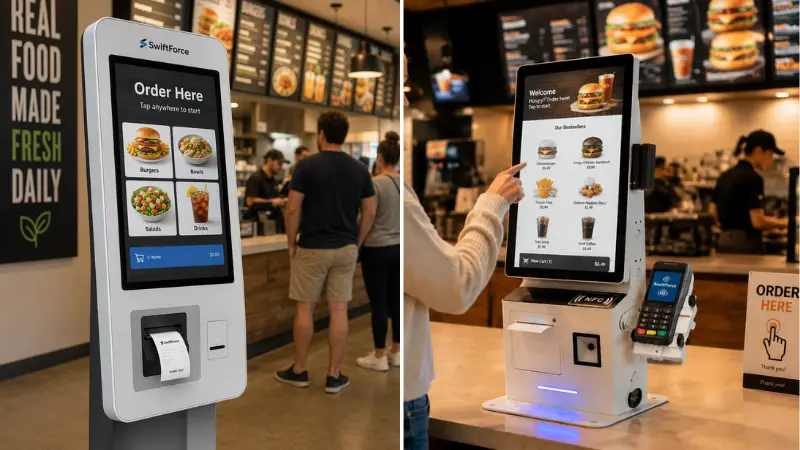
Before you evaluate kiosk cost vs. ROI, you must understand what you’re paying for. Kiosk expenses fall into three broad buckets: hardware (one‑time buy), software & integration (one‑time or recurring), and operational costs that you budget each year. These figures are realistic for commercial self‑service kiosks and should help your finance and operations teams build a clear ROI model.
Hardware Costs (CapEx)
Hardware is often the biggest upfront expense. Typical self‑service kiosks range from basic units to rugged, custom builds that suit parks, museums, or outdoor walkways. Entry‑level indoor kiosks can start around $2,000–$5,000 per unit, while more robust freestanding systems with payment, printers, and scanners can cost $5,000–$15,000+. Outdoor‑rated or fully custom kiosks cost more, often $10,000–$25,000+ per unit, depending on durability and peripherals.
Hardware cost factors include:
- Screen size and brightness (larger screens cost more)
- Payment terminal integration (EMV/NFC adds hardware cost)
- Printers and scanners for tickets or receipts
- Rugged enclosures for outdoor use
These figures assume commercial‑grade units built to handle high guest traffic and constant use.
Software & Integration Costs
Software gives your kiosks purpose. It connects them to ticketing systems, point‑of‑sale (POS) systems, inventory systems, and cloud analytics. Costs here vary widely, based on whether you choose an off‑the‑shelf solution or custom integration:
- Basic kiosk software or apps: $500–$5,000 per kiosk (one‑time license)
- SaaS or cloud management: $50–$300 per kiosk per month
- Custom backend integration with ticketing, POS, or CRM systems: $2,000–$15,000+, depending on complexity
Software also includes user interface components that guide guests through ticketing, check‑in, or ordering flows. Integration with your existing systems ensures data sync and reporting.
Operational Costs (OpEx)
After installation, kiosks still incur annual costs. These can be predictable if you plan ahead.
- Maintenance contracts or break‑fix support
- Software updates and cloud subscriptions
- On‑site technical support or remote monitoring
- Repairs or replacement parts (printers, screens, card readers)
Expect annual operational fees from $500 to $3,000+ per kiosk, depending on support level and kiosk complexity. Budgeting for these costs is essential, as they affect your ongoing ROI.
Kiosk Cost vs ROI (How to Evaluate Payback)
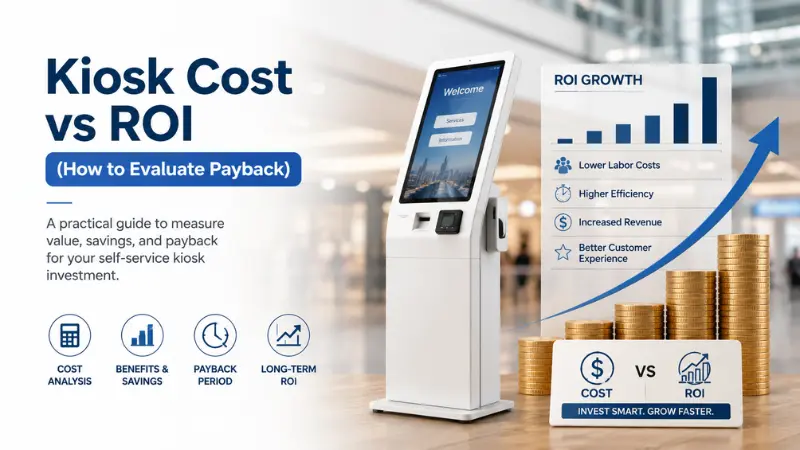
You need a clear way to decide if kiosks are worth the investment. A simple ROI model helps you do that. Focus on three drivers: labor savings, revenue growth, and throughput. These show how fast kiosks pay for themselves.
Labor Cost Reduction Model
Kiosks reduce the need for staff at ticket counters, entry points, and food stations. This creates direct savings.
Use a simple model:
- Remove 2 staff per shift
- Multiply by the hourly wage
- Multiply by daily hours
- Multiply by operating days per year
Real-world data shows how this works. A kiosk case study highlighted in Samsung Business Insights reports that one restaurant reduced labor costs by $1,050 per week after deploying kiosks.
These savings scale fast in high-traffic venues. Even small staff reductions create a strong annual impact.
Revenue Uplift Model
Kiosks increase how much each guest spends. They do this through consistent upselling and better visibility.
Case studies show clear results:
- Orders from kiosks are 16% to 35% higher in value than counter orders
- Some deployments show a ~30% increase in average order size
- Research also shows 20–30% higher spend due to digital prompts and visual menus
The reason is simple. Kiosks always suggest add-ons. Staff often skip this during busy hours.
Throughput Gains
Throughput is the number of guests you can serve per hour. Kiosks increase this capacity.
Studies show a strong impact:
- Self-order kiosks reduce ordering time by up to 40%
Faster service leads to:
- More transactions per hour
- Shorter queues
- Fewer guests are leaving without buying
During peak hours, this directly affects daily revenue. You serve more people without adding staff.
Kiosk Cost vs ROI Comparison
| Factor | Without Kiosks | With Kiosks |
|---|---|---|
| Transactions/hour | X | X + 40% |
| Staff required | X | X − 2 |
| Avg order value | $X | $X + 15–30% |
| Queue time | X mins | X − 40–50% |
This model shows how kiosks simultaneously reduce costs and increase revenue.
Typical Payback Period
Most venues recover kiosk costs within 6 to 18 months.
This happens because:
- Labor costs drop
- Order values increase
- Throughput improves
After payback, kiosks become long-term profit drivers.
How Kiosks Create a Frictionless Visitor Experience

Guests expect speed and ease at every step. Long lines break that experience. They also reduce how much guests buy. Kiosks remove common delays and give guests more control. This improves both satisfaction and revenue simultaneously.
Reduced Waiting Time
Long waits push guests away from counters. Some skip food, upgrades, or even entry. Kiosks shorten these lines.
They handle multiple orders at once. They keep service moving during peak hours. Faster service means more completed transactions. You serve more guests without increasing staff.
Shorter wait times lead to higher sales and better flow across the venue.
Self-Paced Ordering Increases Spend
Guests feel rushed at busy counters. This limits what they buy. Kiosks remove that pressure.
Guests take their time. They browse menus. They explore options. This leads to better decisions and larger orders.
You often see:
- More add-ons and upgrades
- Higher-value combos or bundles
- Fewer abandoned orders
When guests control the pace, they spend more.
Contactless Interactions Improve Convenience
Many guests prefer quick and simple interactions. Kiosks reduce the need for back-and-forth with staff.
Guests can:
- Order and pay in one place
- Avoid crowded counters
- Move through the venue faster
This makes the experience smoother. It also reduces pressure on staff during busy hours.
Multi-Language Support Expands Accessibility
Entertainment venues attract diverse visitors. Language can slow down service at counters. Kiosks remove this barrier.
Guests can select their preferred language. They understand options clearly. They complete orders without confusion.
Clear communication improves both speed and satisfaction.
Why Frictionless Experience Drives Revenue
A frictionless visitor experience does more than improve comfort. It directly affects your numbers.
Better experience leads to:
- More spending per guest
- Longer time spent inside the venue
- Higher chance of repeat visits
When you remove friction, guests move faster, buy more, and enjoy the visit. This is where experience and ROI connect.
Real ROI Scenarios Across Entertainment Segments
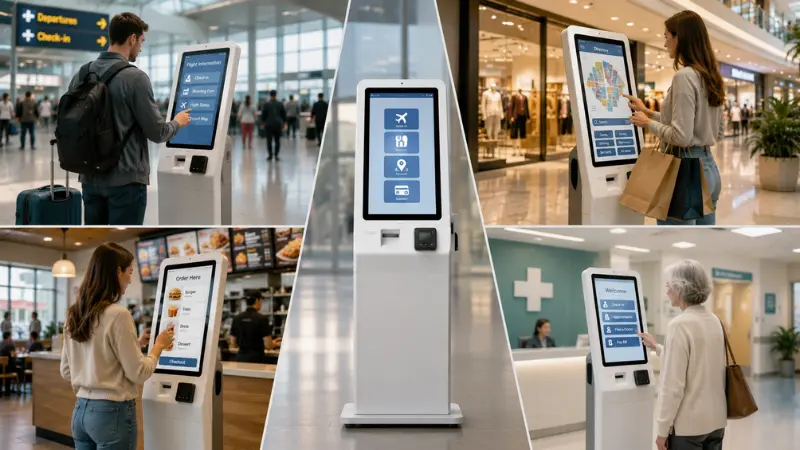
Kiosk ROI varies by venue type. The goals stay the same. You want faster service, lower costs, and higher spend per guest. But the way kiosks deliver results depends on your setup and visitor behavior. The examples below show how kiosks operate in real-world conditions.
Theme Parks & FECs
Peak hours create pressure at every touchpoint. Entry gates slow down. Food li nes get longer. Staff struggle to keep up.
A typical setup places ticketing kiosks at the entrance and ordering kiosks near food zones. During peak hours, kiosks handle a large share of transactions.
Museums & Exhibitions
Museums often run with smaller teams. Staff handle ticketing, guidance, and visitor support simultaneously. This creates delays at the entry.
A common setup uses check-in kiosks for ticket scanning and validation. Guests scan QR codes and enter without waiting for staff.
Visitors enter smoothly and spread out more evenly within the space. Staff focus on support and experience instead of routine tasks. This improves efficiency without increasing headcount.
Cinemas & Event Venues
Cinemas and event venues face short, high-demand windows. Intermissions and pre-show periods drive most sales.
Ordering kiosks near concession areas handle large volumes in a short time. Guests place orders quickly without standing in long lines.
This creates clear results. The business owners get more snack and drink sales before shows. There is less rush during the intermissions.
Guests spend less time waiting and more time enjoying the experience. More transactions happen within the same time window. This increases total revenue without expanding staff.
Kiosks as a Foundation for Digital Transformation in Entertainment
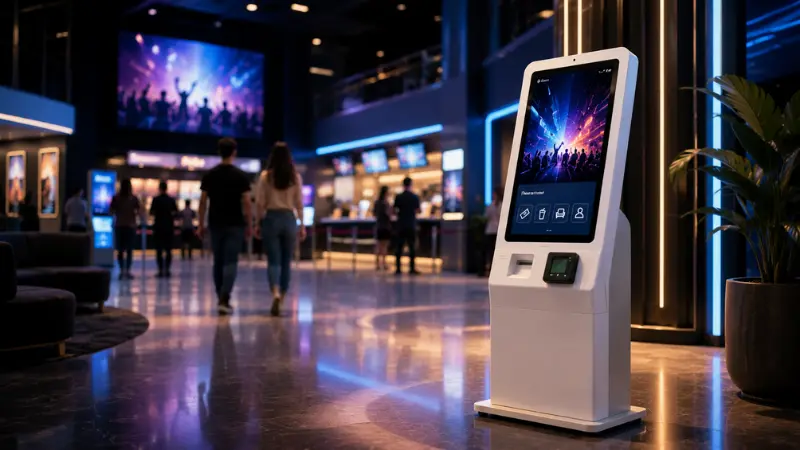
Kiosks do more than handle transactions. They connect your front-end operations with your digital systems. This creates a more connected and efficient venue. You move from manual service to a data-driven, automated system.
Connection with Mobile and Online Systems
Kiosks work with your mobile apps and online booking platforms. Guests can buy tickets online and scan them at kiosks. They can also complete purchases on-site without delay. This creates a smooth journey from booking to entry.
Smart Ticketing and Seamless Entry
Kiosks support smart ticketing systems. Guests use QR codes or digital passes for fast check-in. This reduces manual checks and speeds up entry. You handle more visitors without adding staff.
Data That Drives Better Decisions
Kiosks collect useful data from every transaction. And act as a data and automation layer. They improve daily operations and support long-term growth.
Key Factors That Influence Kiosk ROI
Kiosk ROI is not fixed. It changes based on how and where you deploy kiosks. The same system can perform very differently across venues. You need to plan the setup carefully to get the best return.
- Visitor Volume: High traffic leads to faster ROI. More visitors mean more transactions through kiosks. This increases both labor savings and revenue impact. Low-traffic venues may take longer to recover costs.
- Venue Layout: Placement affects usage. Kiosks near entrances, food zones, and high-traffic paths get more interaction. Poor placement reduces adoption and limits ROI.
- Type of Transactions: ROI depends on what kiosks handle. Ticketing improves entry flow. Food and merchandise kiosks increase spending. A mix of both often delivers stronger results.
- System Integration: Connected kiosks perform better. Integration with POS, ticketing, and analytics systems improves speed and data flow. Standalone kiosks limit efficiency and insights.
ROI depends on the deployment strategy. The right setup increases usage, improves flow, and delivers faster payback.
How to Maximize ROI from Kiosk Deployment
Kiosks deliver strong ROI when you use them the right way. Poor setup can limit their impact. You need to focus on placement, usability, and ongoing improvement. Small changes can lead to better results in both revenue and efficiency.
- Place kiosks where guests make decisions, like entry points and food areas
- Combine ticketing and ordering in one kiosk where possible
- Keep the screen flow simple so guests finish tasks in a few taps
- Guide guests to use kiosks, especially during busy hours
- Track usage data and adjust placement or offers based on demand
- Test and improve regularly to increase speed and usage
A clear setup and regular updates help you get more value from each kiosk.
The Future of Kiosks in Entertainment Venues

Kiosks continue to evolve as technology improves. They no longer just handle basic tasks. They now support smarter, faster, and more personalized experiences.
AI-Driven Upselling and Personalization
Kiosks now use data to suggest better options. They show add-ons based on user behavior and past choices. This improves upselling accuracy.
Case data shows that kiosks already increase order value by up to 30% through automated suggestions.
AI will make these suggestions more precise, thereby further increasing revenue per guest.
More Automated Guest Experiences
Kiosks are moving toward fully automated service points. Guests can buy tickets, check in, and place orders without staff help.
Research from ABI Research shows that kiosks are becoming a key part of automated customer journeys. This reduces manual work and improves service speed during peak hours.
Integration with Smart Systems
Kiosks now connect with mobile apps, online bookings, and digital tickets. This creates one smooth system across the venue. Better integration means faster service and more complete transactions.
Future Impact on ROI
These changes will increase ROI over time. You will see:
- Higher spending through smarter upselling
- Faster service with fewer staff
- Better data for decision-making
Kiosks will not just support operations. They will drive revenue growth as part of a connected system.
FAQs About Kiosk ROI for Entertainment Venues
What is kiosk ROI for entertainment venues?
Kiosk ROI measures the value kiosks bring compared to their cost. It includes labor savings, higher sales, and faster service. You calculate it using revenue gains and cost savings.
How much do ticketing kiosks cost?
Ticketing kiosks usually cost between $2,000 and $15,000 per unit. The price depends on features, durability, and integration needs.
Do kiosks reduce staffing needs?
Yes. Kiosks handle routine tasks like ticketing and ordering. This allows you to reduce front-line staff and focus teams on higher-value work.
Are kiosks profitable for attractions?
Yes. Kiosks increase sales, improve throughput, and reduce costs. Many venues see payback within 6 to 18 months.
How do kiosks improve visitor experience?
Kiosks reduce wait times and give guests control. They make service faster, smoother, and more convenient.
Conclusion: Smarter Kiosks, Better Operations
Kiosks can reshape how your venue runs. They can help improve service speed, increase revenue, and reduce pressure on staff.
The key is choosing a kiosk solution that fits your daily operations, customer flow, and long-term growth goals. The right hardware can make self-service easier for both your customers and your team.
Ready to Take the Next Step?
Looking for a kiosk solution that fits your business? Explore the full range of commercial solutions from SwiftForce Electronic Technology and see how our hardware can support your next project.
Have a specific deployment in mind? Contact our team and tell us what you are building. We can discuss your requirements and help you find a practical solution for your business.