
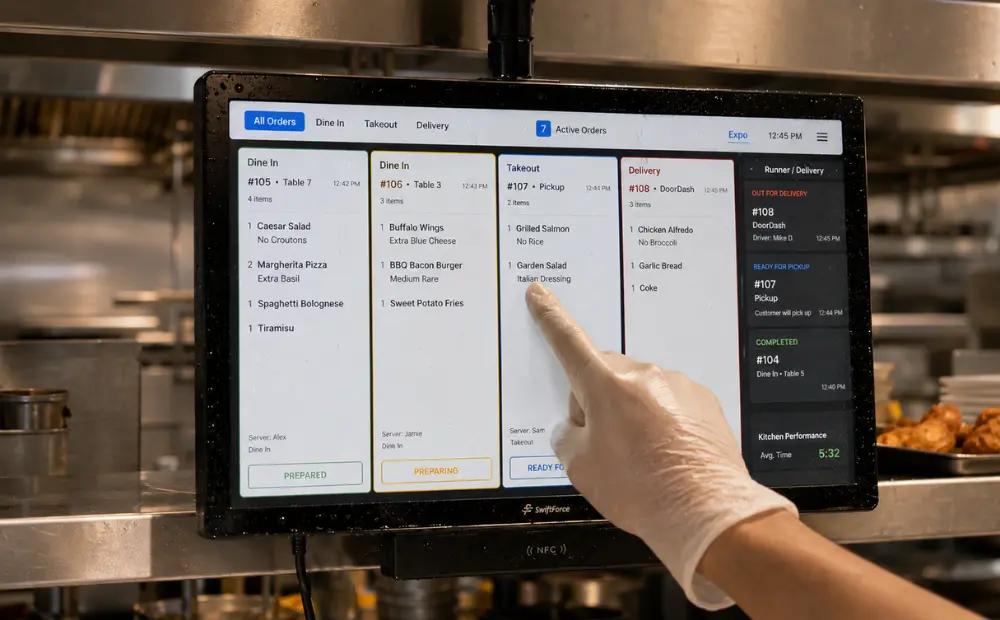
Take a look at your busiest hour of the day. How many sales do you miss because lines move too slowly? How many guests leave before they place an order? These challenges have become more common as labor costs rise and customer expectations grow.
To keep up, restaurants now use self-ordering kiosks, mobile apps, contactless ordering, and cloud-based systems. These tools do far more than just replace manual order-taking. They help restaurants increase revenue, improve accuracy, reduce delays, and deliver a faster experience that customers expect in 2026.
What Is a Restaurant Ordering System?
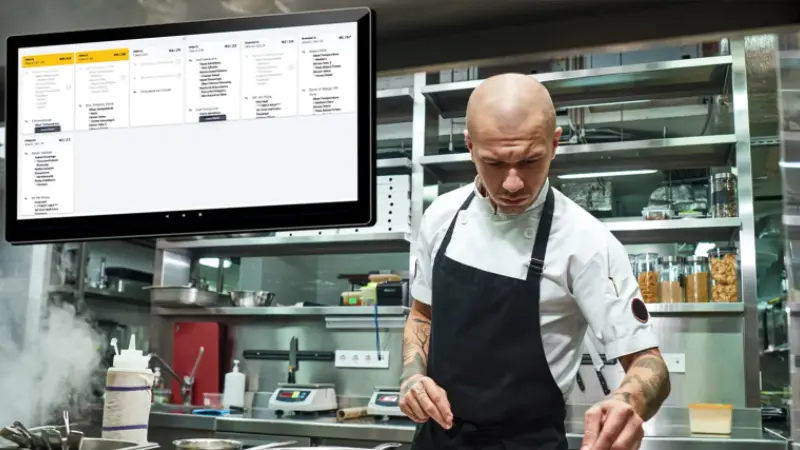
A restaurant ordering system is a group of connected tools that help restaurants accept, manage, prepare, and fulfill customer orders. Modern systems integrate the front counter, self-service channels, kitchen staff, and payment processing into a single workflow.
This helps restaurants serve customers faster, reduce errors, and keep operations organized during busy periods.
The 5 Key Technologies Used in Modern Restaurant Ordering Systems
Most restaurant ordering systems include several connected components:
- Self-Ordering Kiosks:
Allow customers to browse menus, customize meals, and place orders without staff assistance. - Mobile Ordering Solutions:
Let customers order through a restaurant app, website, or QR code from almost anywhere. - Kitchen Display Systems (KDS):
The KDS system sends orders directly to kitchen screens so staff can prepare meals quickly and accurately. - Cloud-Based Management Tools:
Give managers access to menus, sales data, and system settings across one or multiple locations. - Integrated Payment Processing:
Accept card, mobile, and contactless payments through the same system.
Each component serves a different purpose. Together, they create a smoother experience for both customers and staff.
How the Restaurant Ordering Process Works
A modern ordering system follows a simple flow:
Guest → Ordering Channel → POS System → Kitchen → Fulfillment
A customer places an order through a kiosk, a mobile app, a website, or a cashier. The order then enters the POS system and moves directly to the kitchen display system. Kitchen staff prepare the order, and the restaurant fulfills it through dine-in service, pickup, drive-thru, or delivery.
Why Restaurant Operators Are Replacing Traditional Ordering Workflows
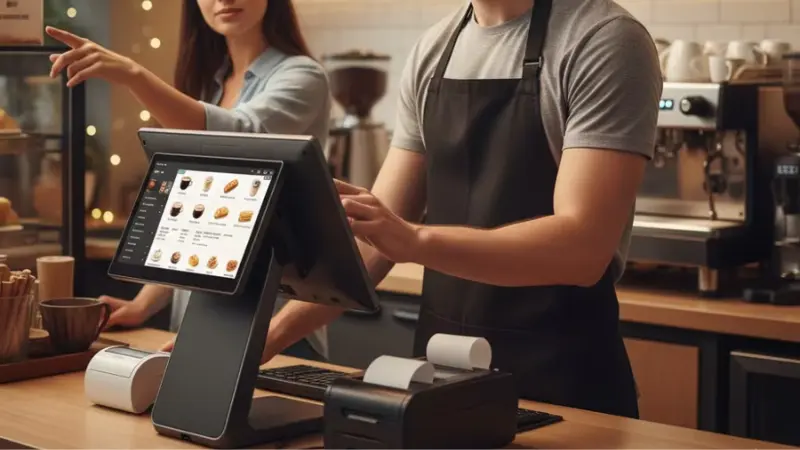
Many restaurants still rely on old ordering methods. Staff take orders by hand. Tickets move to the kitchen on paper. During busy hours, this system breaks down fast. Orders get delayed or missed. Customers feel the slowdown.
This is why more operators now shift toward digital ordering systems.
Labor Shortages Continue to Pressure Restaurants
Restaurants struggle to hire and retain staff. Many locations run with fewer team members than needed. This puts extra pressure on cashiers and kitchen staff. When one person leaves, the entire ordering flow slows down. Managers spend more time filling gaps than improving service.
Customers Expect Faster Ordering Experiences
Customer expectations have changed. People want quick service and fewer delays. If the line moves slowly, they leave or choose another place.
Common issues include:
- Long wait times during peak hours
- Slow manual order entry
- Delays in payment processing
- Missed upsell opportunities at the counter
These delays directly affect customer satisfaction and repeat visits. Fast service now plays a direct role in sales performance.
Manual Ordering Creates Bottlenecks
Handwritten orders and verbal communication slow everything down. Mistakes happen more often when staff are rushed. Kitchen teams also struggle to read unclear tickets. This leads to wasted food and unhappy customers.
These bottlenecks usually show up as:
- Incorrect or missing items in orders
- Slow handoff between the counter and the kitchen
- High pressure on staff during peak hours
- Longer ticket times for food preparation
Even small delays add up during rush hours. This reduces the total number of customers served per hour.
How Self-Ordering Kiosks Increase Average Order Value
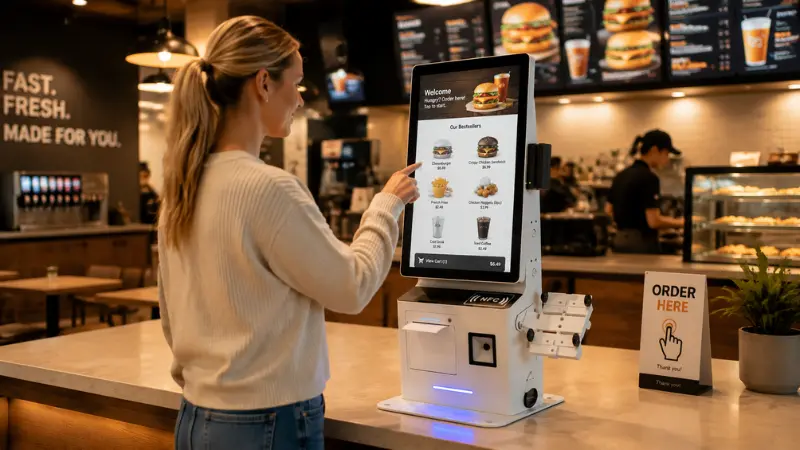
Self-ordering kiosks help restaurants sell more without adding pressure on staff. The system suggests add-ons at the right moment. This leads to a higher order value per customer.
Here are some more ways how self-ordering kiosks increase order volume;
Visual Menu Displays Drive Add-On Orders
Kiosks display food visually. Customers can clearly see images, combos, and meal upgrades. This encourages them to add more items to their order. The system shows combo meals instead of single items.
These small prompts increase the total bill size without staff involvement.
Customers Spend More Time Exploring the Menu
At a counter, customers often feel rushed. On a kiosk, they control the pace. This leads to more thoughtful choices and larger orders.
This behavior helps restaurants because:
- Customers review full menus without pressure
- They compare meal options more easily
- They are more likely to try new items
- They add extras without hesitation
More time on the menu often leads to more spending per order.
Faster Ordering Reduces Queue Pressure
Kiosks shorten the ordering line. This improves flow during busy hours. Staff can focus on food prep and service instead of taking every order.
This leads to shorter waiting times for guests and faster order placement.
The restaurant gets a higher order volume per hour. Customers get a better experience during peak periods. The result is more sales in less time.
Consistent Promotions Across All Locations
Kiosks ensure every customer sees the same offers. This helps multi-location restaurants keep pricing and promotions aligned.
Benefits include:
- Same upsell prompts in every store
- Consistent combo offers across branches
- Easier rollout of new menu items
- Better control over discount strategies
This consistency helps protect margins and improve overall sales performance.
How Mobile Ordering Creates New Revenue Opportunities
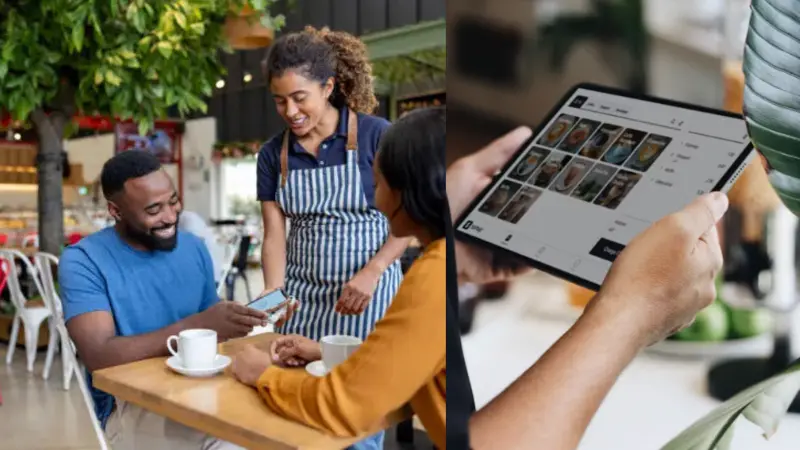
Mobile ordering helps restaurants sell beyond the physical counter. Customers can place orders before they arrive or from anywhere nearby. This creates new ways to capture sales throughout the day.
Order-Ahead and Pickup Increase Daily Sales
Mobile ordering lets customers schedule orders in advance. This reduces wait time and increases convenience.
It helps restaurants handle more orders and reduce congestion at the counter during peak hours. Prepare food in advance for pickup.
Order-ahead systems turn downtime into planned production.
Loyalty Programs Drive Repeat Orders
Mobile apps allow restaurants to track customer behavior and reward repeat visits. This increases customer retention.
Common loyalty features:
- Points for every purchase
- Free items after repeat visits
- Personalized offers based on order history
- Push notifications for deals
These tools bring customers back more often and increase lifetime value.
QR Code Ordering Improves Dine-In Sales
QR codes let dine-in customers order from their table. They do not need to wait for staff.
This improves table turnover speed and order frequency. The restaurant gets upsell opportunities during meals. Customers also feel more control over their dining experience.
Direct Ordering Keeps More Profit in the Restaurant
Many restaurants rely on third-party delivery platforms. These platforms take a large commission on each order.
Direct mobile ordering helps restaurants:
- Avoid high commission fees
- Keep full control of pricing
- Build direct customer relationships
- Collect useful customer data
Over time, this increases profit margins and reduces dependence on external platforms.
Why Kitchen Display Systems Matter More Than Most Restaurant Owners Realize
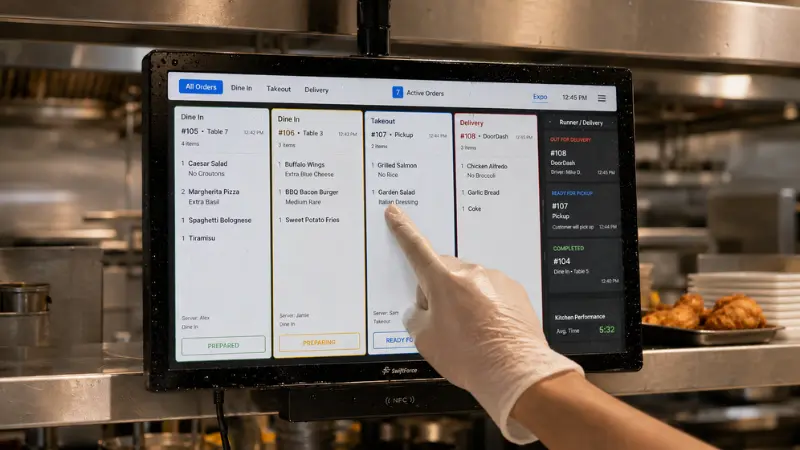
A kitchen display system helps keep every order clear, fast, and organized. It removes paper tickets and replaces them with a live order feed. The result is smoother operations during busy hours and more consistent food delivery.
Clear Communication Speeds Up Kitchen Workflow
Kitchen display systems send orders directly to screens. Staff no longer rely on handwritten tickets or verbal calls.
This improves the speed of order reading and preparation, which leads to less confusion during rush hours. It also improves coordination between stations.
Fewer Mistakes in Order Preparation
Paper tickets often lead to errors. Handwriting can be unclear. Orders can also get misplaced during busy shifts.
With a digital system:
- Items are displayed clearly for the staff
- Special instructions are easier to see
- Order updates appear in real time
- Missing items are reduced
Fewer mistakes mean less food waste and fewer customer complaints.
Better Flow During Peak Hours
Busy hours create pressure in the kitchen. Orders stack up quickly and staff feel overwhelmed. A structured display system helps manage that load.
It helps by:
- Organizing orders by priority and time
- Showing real-time order status
- Reducing manual coordination between staff
- Keeping preparation balanced across stations
This keeps the kitchen stable even during rush periods.
Faster Service Improves Customer Experience
Speed matters in restaurants. When food comes out faster and more accurately, customers notice the difference.
This results in shorter wait times for guests. Happy customers leave reviews and become repeat visitors.
Creating a Smooth Digital Dining Experience Across Every Ordering Channel
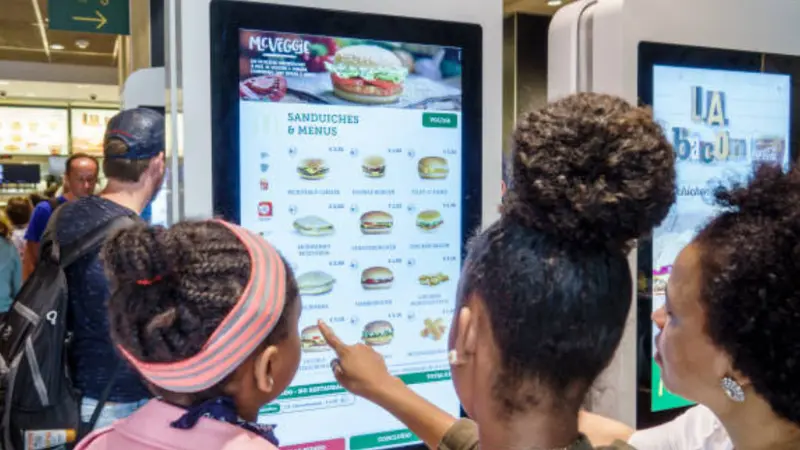
Customers now interact with restaurants in many ways. They may order from a kiosk, a mobile app, a QR code at the table, or the front counter. A seamless digital dining experience makes all these channels feel connected and consistent.
Consistent Menus Across All Ordering Channels
Customers expect the same menu everywhere. A dish shown on a kiosk should also appear on mobile ordering and QR menus.
This consistency helps:
- Avoid customer confusion
- Keep pricing aligned across channels
- Reduce order errors caused by mismatched menus
- Make updates faster and easier for staff
A unified menu system builds trust and improves order accuracy.
Unified Customer Data for Better Decisions
When ordering systems connect, restaurants can see all customer activity in one place. This includes in-store, mobile, and online orders.
Personalized Offers Improve Order Value
A connected system allows restaurants to show relevant offers to each customer. This makes upselling more natural and effective.
For example:
- Suggest coffee with breakfast orders
- Offer desserts after dinner orders
- Recommend combo meals based on past purchases
These small suggestions increase average order value without adding pressure on staff.
Faster Service at Every Touchpoint
A unified system supports both speed and simplicity. Whether a customer uses contactless ordering at a table or at a kiosk, the process remains fast and clear.
This results in shorter wait times across channels and smoother order flow. When all systems are properly connected, the entire restaurant runs more efficiently and delivers a better experience for every guest.
How Smart Restaurant Technology Solutions Directly Boost Sales
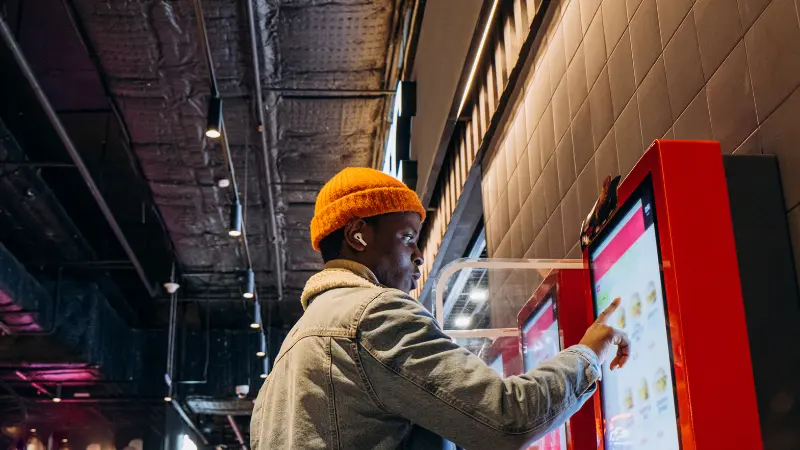
Smart restaurant systems help operators make faster and better decisions during service hours. They use real order data, sales trends, and customer behavior to guide revenue decisions. According to the National Restaurant Association’s 2026 State of the Industry Report, operators are increasing investment in automation and data-driven tools to improve profitability and efficiency.
AI-Powered Upselling That Increases Order Value
AI tools suggest extra items during ordering based on customer behavior and menu patterns. This helps restaurants increase ticket size without staff effort.
Key outcomes include:
- Smarter add-on suggestions at checkout
- Higher conversion on combo meals
- Better timing of upsell prompts
- Increased average order value per guest
A Deloitte digital consumer study on hospitality personalization shows that customers are more likely to add items when offers feel relevant and timely.
Data-Driven Menu Optimization Based on Real Sales
Restaurants often rely on experience instead of data when adjusting menus. Smart systems change this by showing real performance per item.
This helps operators identify high-margin bestsellers and remove low-performing items. They can also adjust pricing based on demand.
Real-Time Performance Analytics for Faster Decisions
Live dashboards show what happens during service hours. Managers can track sales, order speed, and peak demand as it happens.
This helps teams:
- React quickly during rush hours
- Adjust staffing in real time
- Identify slow kitchen points
- Improve order flow across stations
According to BCG’s research on digital operations, real-time analytics improves decision speed and reduces operational delays in service businesses.
Automated Marketing and Promotions That Drive Repeat Orders
Modern systems can trigger offers automatically based on customer behavior. This keeps customers engaged without manual effort.
Common use cases include:
- Discounts during slow hours
- Personalized offers for repeat guests
- Promotions for low-performing items
- Automated seasonal campaigns
The Revenue Impact of Modern Restaurant Ordering Systems
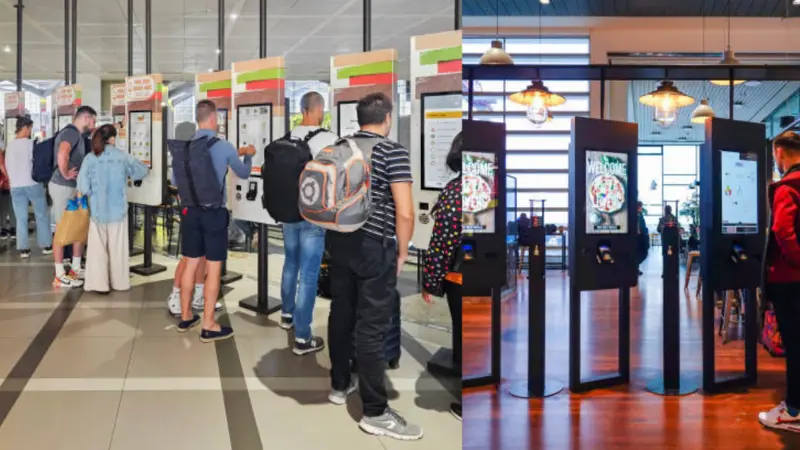
Restaurant ordering systems directly affect revenue performance. They increase order value, improve service speed, and reduce operational friction.
Higher Average Ticket Size Through Better Ordering Flow
Digital ordering systems naturally increase basket size through structured menus and smart suggestions.
This results in increased upsell success rates and consistent order values.
Increased Order Volume During Peak Hours
Faster ordering systems allow restaurants to serve more guests in less time. This improves throughput during rush periods.
Benefits include:
- Shorter queue times
- Faster order placement
- More orders per hour
- Lower customer drop-off rates
Faster Table Turnover Improves Daily Sales Capacity
In dine-in environments, speed directly affects how many customers a restaurant can serve per day.
This leads to less idle seating time and higher revenue per square foot.
Lower Labor Costs Improve Profit Margins
Self-service and automation reduce pressure on front-line staff. This helps restaurants operate with leaner teams.
Key outcomes:
- Fewer staff are needed for order taking
- Lower overtime during peak hours
- Reduced training requirements
- Better staff allocation to kitchen tasks
Restaurant Kiosk Hardware and Supplier Selection Guide
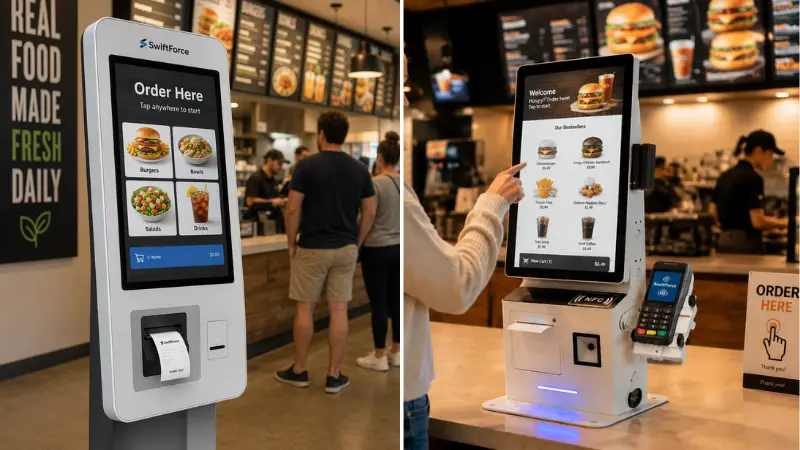
The right kiosk setup directly affects speed, reliability, and daily sales performance. A weak setup can slow down ordering and frustrate customers.
Essential Restaurant Kiosk Hardware Features
A good kiosk must handle constant daily use without failure.
Key features include:
- Durability: Built to handle heat, spills, and heavy traffic in busy restaurants.
- Payment terminals: Support for cards, mobile wallets, and contactless payments.
- Touchscreen quality: Fast response and clear display for easy menu browsing.
- Accessibility: Easy use for all customers, including clear layout and height options.
These features directly impact order speed and customer satisfaction. Poor hardware leads to downtime and lost sales.
Questions to Ask a Restaurant Kiosk Supplier
Before choosing a supplier, ask these questions:
- Can it connect with your current POS and ordering systems?
- What kind of setup and training support do you provide?
- Can the system scale across multiple locations easily?
- What does ongoing maintenance and repair look like?
A reliable supplier should support both launch and long-term operations. Without this, systems often fail during peak demand or expansion.
Why Integration Determines Long-Term Success
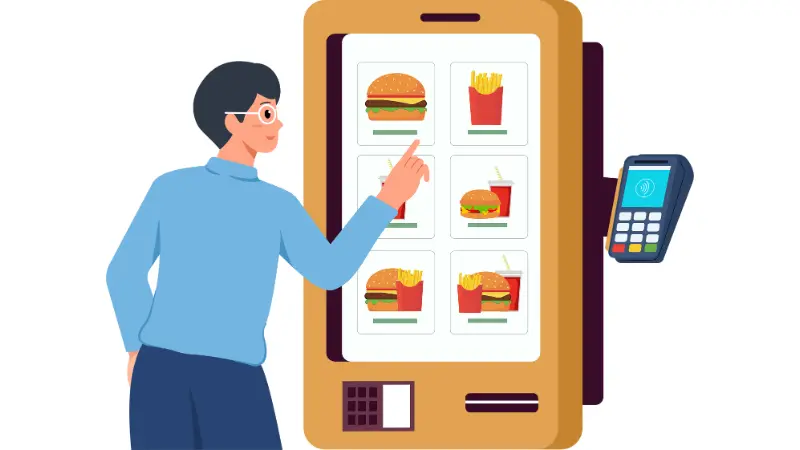
Restaurant ordering systems only deliver full value when all parts work together. Kiosks, mobile apps, POS, and kitchen tools must share the same data in real time. Without integration, restaurants face delays, order errors, and uneven service across channels.
- One connected order flow
Orders from kiosks and mobile apps move into a single POS system and then to kitchen screens. Staff do not re-enter orders. This reduces mistakes and speeds up service.
- Real-time updates for faster control
Managers see live order activity during service hours. They can adjust menus, respond to demand spikes, and reduce delays in real time.
- Centralized menu management
One update applies everywhere. Prices, items, and promotions stay consistent across all channels and locations. This avoids confusion for staff and guests.
- Clear reporting across locations
All sales and order data are stored in a single system. Operators can compare store performance, track trends, and measure menu results more accurately.
Restaurant Ordering Technology Trends Shaping 2026
Restaurant ordering systems are changing fast. Operators now focus on speed, automation, and better customer control. The goal is simple: serve more guests with fewer delays and higher order value. These trends show where the industry is heading.
AI-Powered Personalization
Systems now suggest food based on past orders and timing. This helps restaurants increase add-on sales and repeat sales without additional staff effort.
Voice Ordering Interfaces
Some restaurants are testing voice-based ordering at kiosks and drive-thrus. It reduces friction and speeds up simple orders.
Omnichannel Ordering Journey
Customers move between apps, kiosks, and QR codes. Modern systems keep menus and orders consistent across all channels.
Cloud-Native Operations
Restaurants manage menus, pricing, and updates through a single online system. Changes apply instantly across all locations.
How to Choose the Right Restaurant Ordering System for Your Business
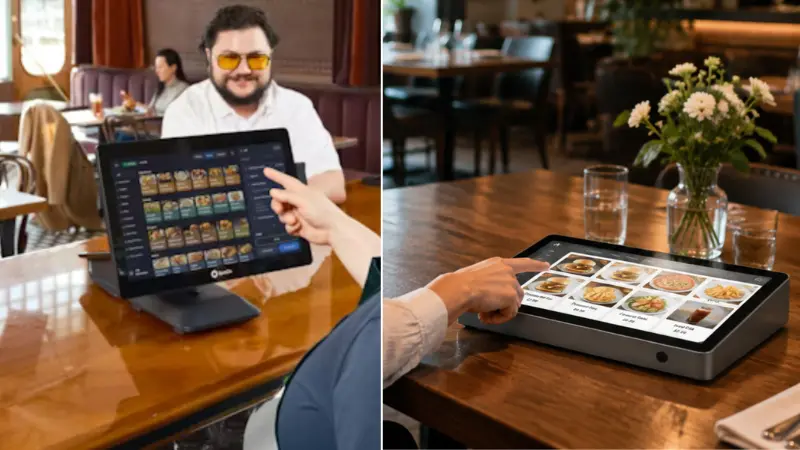
The right system depends on your restaurant type, customer flow, and growth plans. One solution does not fit all formats. Operators should match the system to their daily service needs.
Quick-Service Restaurants (QSRs): Focus on speed and high order volume. Self-ordering kiosks and fast POS integration matter most.
Fast-Casual Brands: Need a balance between dine-in and takeaway. Mobile ordering and kiosks both play a strong role.
Full-Service Restaurants: Focus on table ordering and guest experience. QR code ordering and kitchen coordination are key.
Multi-Location Franchise Operators: Need centralized control. Cloud systems and consistent reporting across locations are critical.
Key Questions Before Investing in a Kitchen Ordering System
- Does it integrate with your POS and kitchen system?
- Can it scale across multiple locations?
- How easy is menu management?
- What support is available after setup?
A good system should reduce effort, not add complexity. It should make daily operations faster, clearer, and easier to manage.
Frequently Asked Questions About Restaurant Ordering Systems
Are mobile ordering solutions worth the investment?
Yes. They help restaurants get more repeat orders and reduce pressure on staff. They also support order-ahead pickup, which increases daily sales without adding counter congestion.
How much does restaurant kiosk hardware cost?
Costs vary based on size, features, and payment setup. Basic units can start at a lower price, while advanced systems with payment terminals and durable builds cost significantly more. Most restaurants should plan for both hardware and setup costs.
Can restaurant ordering systems integrate with POS software?
Yes. Most modern systems are built to connect with POS platforms. This allows orders to flow directly into the kitchen without manual entry, reducing errors and saving time.
Which ordering system is best for multi-location restaurants?
Cloud-based systems work best. They allow central control of menus, pricing, and reporting across all locations. This keeps operations consistent and easier to manage at scale.
What is a restaurant ordering system?
It is a connected setup that handles customer orders from kiosks, mobile apps, or counters and sends them directly to the kitchen and payment system. It improves speed, accuracy, and order flow in restaurants.
Ready to Upgrade Your Restaurant Ordering System?
Modern restaurants need more than manual workflows to stay competitive. The right ordering system can improve speed, increase sales, and reduce pressure on staff.
Find the Right Ordering Solution for Your Restaurant
If you are planning to upgrade your operations in 2026-2027, Swiforce can help you build a complete kitchen ordering system tailored to your restaurant. Contact our team to discuss your restaurant’s requirements and find the right setup for your business.