
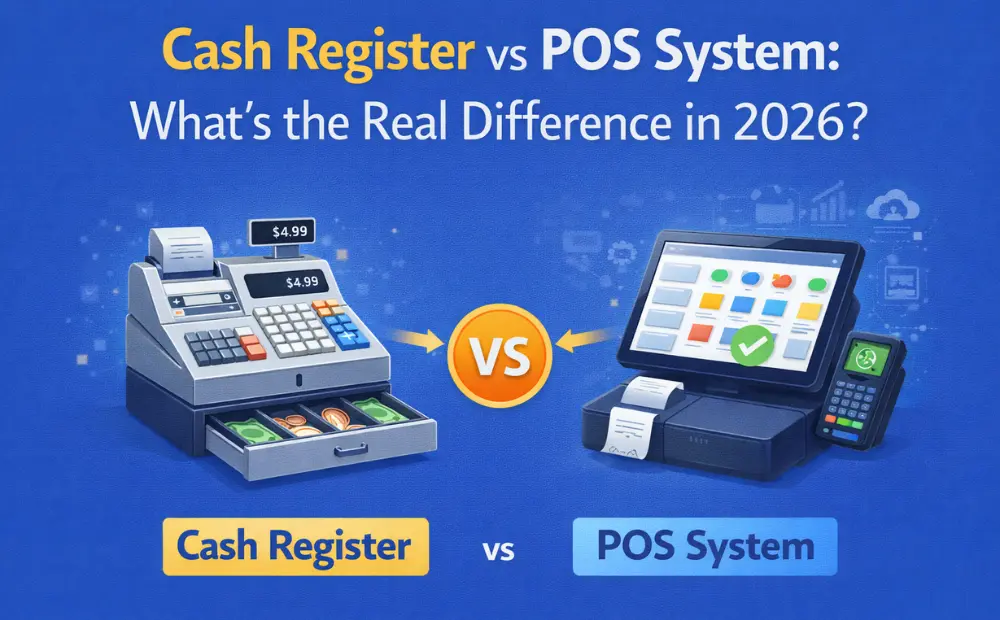
A case study from IDC Retail Insights reveals that switching to electronic payments at checkout can noticeably speed up the process. By removing the need for cash drawers—and all the time spent counting bills and making change—checkout becomes much faster and smoother.
The same research also highlights a key point in the cash register vs. POS system debate: POS systems cost businesses about 27% less to operate and manage. That’s largely because they reduce manual work. Since POS systems are integrated with billing software, there’s far less need for manual data entry.
Additionally, POS transactions are approximately 33% faster than those conducted on traditional cash registers. For small and mid-sized retailers, that means handling more transactions in less time. By comparison, outdated cash registers tend to slow things down. They often come with limited payment options and lack proper inventory tracking and reporting. The result? Longer lines, frustrated customers, and fewer completed sales.
But while POS systems are better in terms of functionality and productivity, do they justify their cost when compared to cash registers? Let’s find this and more in today’s blog.
What is a Cash Register?
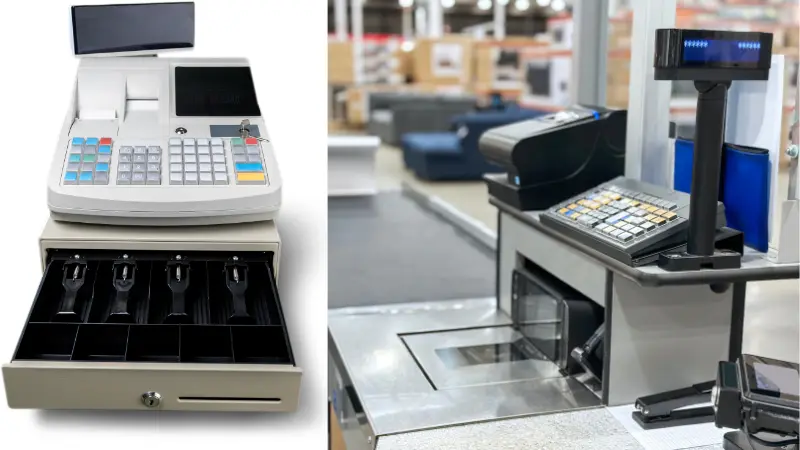
In a grocery store, you might have encountered a typical machine that holds cash and is used to record and calculate transactions. It is a metal machine (also known as a till) in which the cashier finds out the good prices at the time of their purchase.
They accept payment and return change (if any) to the customer. Cash registers have three major jobs:
- Recording transactions
- Holding money
- Keeping records
These records can be checked later if needed. Cash registers in the present age are still important, as a lot of in-person purchases are paid via cash.
Traditional cash registers usually follow a basic six-step process that James Ritty created in 1879.
- Open the drawer with a starting float.
- Ring up items.
- Select the tender and calculate the change.
- Receive cash from the customer and issue a receipt.
- Make mid-shift cash drops.
- Count and reconcile at close.
Features of Cash Registers
- Secure Cash Storage
When collecting payments for goods from customers, cashiers usually store the received cash in the cash register. This storage is securely locked and can be opened via key.
- Record Cash Sales
With a cash register, you can collect cash payments for goods sold to customers. This can help you keep a record of cash transactions. However, without a POS technology, you may have to manually input product prices, taxes, and calculate totals, which can be time consuming.
- Organized Compartments for Cash
A cash register can help you keep your cash drawer organized. This is because it has separate sections for cash and coins. This helps you keep your cash organized, making counting easier and quicker.
Limitations in Modern Retail Environments
A cash register may have less upfront cost than a POS system, but it comes with its limitations in a modern retail environment. A basic shop cash register could cost as little as $150 and keeps ringing even during an internet outage or power blip (with battery).
For example, staff must memorize prices of goods, tax rates, and discounts. This means more chances of errors, which can lead to inaccurate cash projections. These inaccurate cash projections could also lead to SME owners making the wrong operational and investment decisions for their businesses.
Modern retail checkout systems, on the other hand, can collect customer information and even link orders to in-store activity. This can help SME owners track customer input and upsell accordingly.
What Is a POS System in 2026?
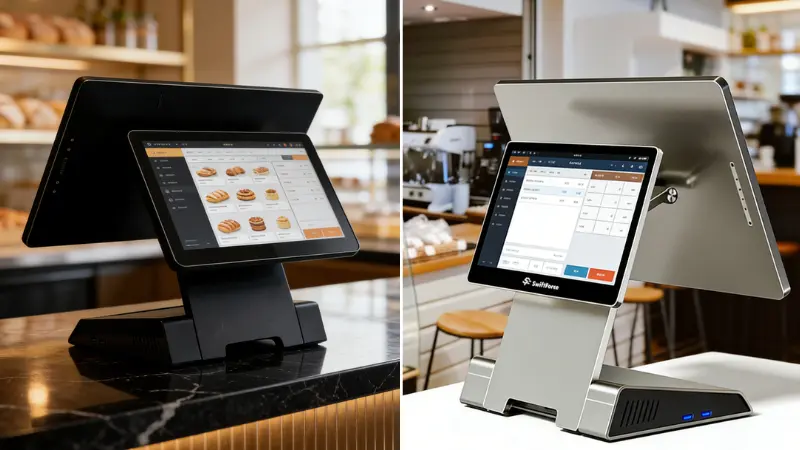
A modern point-of-sale (POS) system consists of software, connected hardware (scanner, receipt printer, card reader, and cash drawer), and a cloud database. Its core functionality includes selling, receiving payment, and syncing inventory across all your store locations.
A POS software typically runs on IOS, Android, or even a smartphone. It syncs the same product, order, and customer data across all your stores.
Features of a POS System
- Efficient inventory management. A digital POS system can track your inventory and notify you when you may be running out of a specific item. This can help business owners stay ahead of the curve and reorder items.
- Access to customer data. With a POS system, retail store owners can track customers’ purchase history, purchase frequency, and most purchased items. This can help small and mid-sized retail store owners launch personalized marketing campaigns and upsell.
- Portability. Since a POS system can also be operated on a smartphone, your employees can assist customers in checking out from anywhere in your store, provided customers pay digitally or via card.
- Data analytics: A POS can also help you collect data and analytics about your products and goods. This can help you target items that are sold the most and stop ordering the ones that are in a lot of stock already.
- Track payment methods. A modern 2026 POS system can help you track the payment method most preferred by your customers. This way, you can introduce or maintain existing payment options and processors if needed.
On top of these features, POS systems come with touch screens and smart POS hardware. The cloud functionality helps sync inventory and even reorder items that may be running out.
Cash Register vs POS System – Core Differences
With POS systems swiftly replacing cash registers in 2026, one should be aware of their differences and what each of them has to offer retail business owners.
Functionality and Features
Portability. Cash registers are usually mounted on a countertop and require mains power to function. POS systems, on the other hand, can run on smartphones and other handheld devices that support Android or IOS. This can make the transaction process really convenient for you if you run holiday pop-ups or a sidewalk business.
Inventory management. With a cash register, you would have to manually keep track of inventory. A POS system can keep track of your inventory and even reorder items that may be running short.
Reporting and analytics. A POS system can help you keep records of your sales, analyze customer data, and find out how your business performed over a specific period of time. A cash register can only store cash.
User Experience and Checkout Speed
A POS system offers touchscreen checkout, which is way faster than manual checkout options that typical cash registers offer. This also helps small retail business owners enhance customer satisfaction and attract new customers.
A POS system also offers more payment flexibility as it accepts multiple payment methods, including cash, cards, digital wallets, and even gift cards. A cash register, however, can only accept notes and coins.
| Feature | Cash Register | POS System |
|---|---|---|
| Sales Processing | Basic sale recording | Advanced, barcode and integrated payments |
| Inventory Management | None | Real-time tracking + alerts |
| Reporting & Analytics | Limited daily totals | Detailed, customizable reporting |
| Checkout Speed | Manual, slower | Touchscreen, faster |
| User Interface | Physical keys, limited display | Touchscreen with rich UI |
| Payment Options | Cash (plus separate card terminal) | Cash, card, digital wallets, gift cards |
| Scalability | Small, basic | Scalable for businesses of all sizes |
| Customer Data & Loyalty | None | Built-in CRM and loyalty program support |
Cost Comparison – Cash Register vs POS System
A POS system usually costs more upfront than a cash register. But if you look at the long-term return, it’s often the smarter choice for small and mid-sized retail businesses.
Most POS systems use subscription-based software. These fees depend on the access of features, the size of cloud backups, and advanced reporting.
In general, POS hardware costs between $1,000 and $5,000, while software subscriptions typically range from $60 to $200 per terminal per month.
Your total cost will vary depending on your setup—like whether you need industry-specific hardware or manage inventory across multiple locations.
It’s true that cash registers are simpler to maintain. POS systems may require software updates and occasional hardware upgrades. But in return, they offer much more value—especially as retail continues to evolve in 2026.
Over time, a POS system can pay for itself. Faster checkout, fewer errors, better efficiency, and lower labor pressure all add up to real savings and smoother operations.
Which Checkout System is Better for Small Retail Businesses?
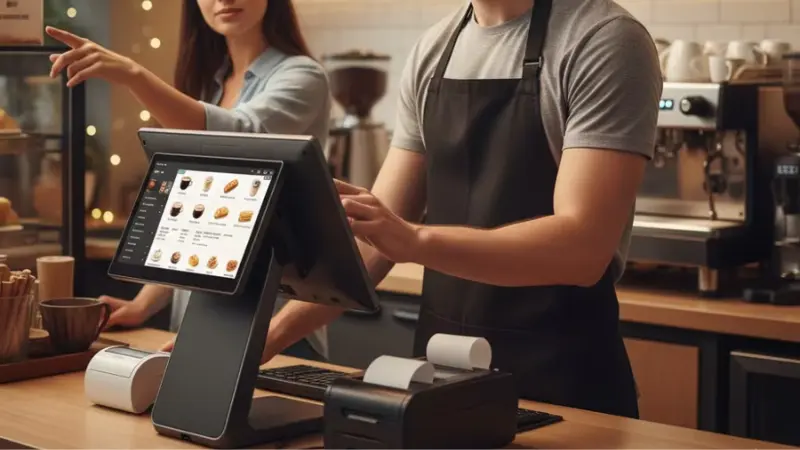
In 2026, a POS system is definitely the better choice for small retail businesses. It can help small retail business owners track customer purchase history, popular items sold, and restock items before running out of inventory.
A POS system helps small retail businesses deliver better customer service and optimize operations by redeploying the existing workforce to core tasks.
POS systems are also more flexible since they provide multiple payment options to customers. They can pay easily via cash, card, and mobile wallets. This also helps keep the payment process secure, transparent, and accurate.
Real-world scenarios for small stores
If you are running a neighborhood grocery store, that is around 300–600 sq. ft., a small retail POS solution might be the best choice for your business considering you have one helper working with you.
A POS system can help you offer your customers convenient and multiple payment options, track customer purchase history, and recognize which items are performing well.
Since your store could be handling 100-400 customers on a daily basis with expected rush hours in evenings and weekends, automation in this case is imperative.
Thus, a POS system can provide you with faster checkout times, sales reports, low stock alerts, digital records, and convenient price changes.
How Smart POS Hardware is Redefining Retail Checkout
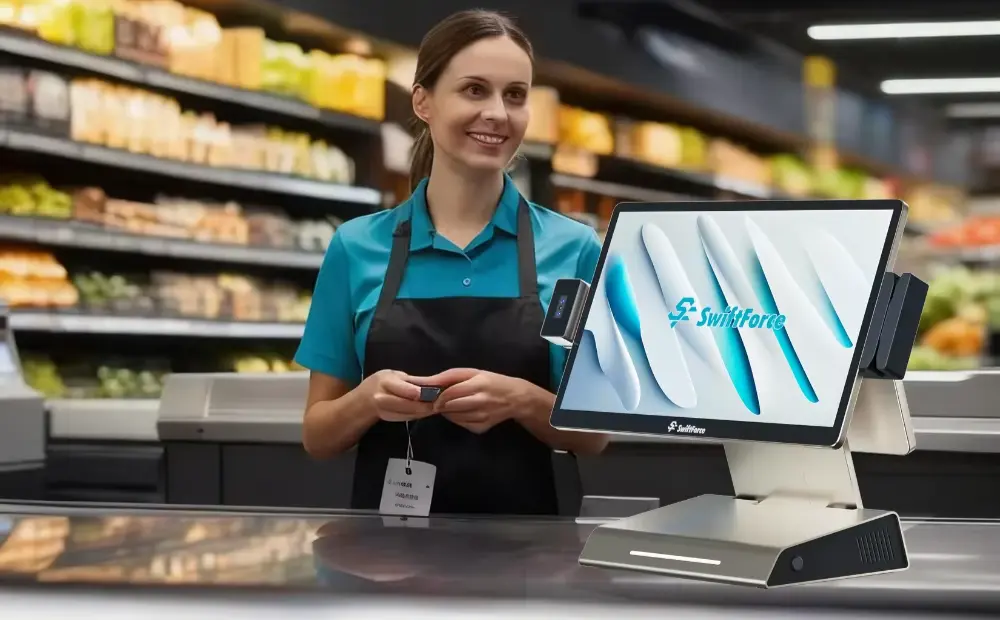
In 2026, smart POS hardware is changing how retail checkout works. Instead of basic machines, stores now use touchscreen systems that connect directly to payment processing, update inventory in real time, and even link with CRM tools.
These systems also support contactless and mobile payments, making it quicker and easier for customers to pay.
For small retail store owners, this means less time spent counting cash, fixing errors, or dealing with outdated inventory. Everything becomes more streamlined and easier to manage. POS systems also help reduce operational costs through automation and offer better ROI in the long run.
Why POS Systems Are Replacing Cash Registers in 2026
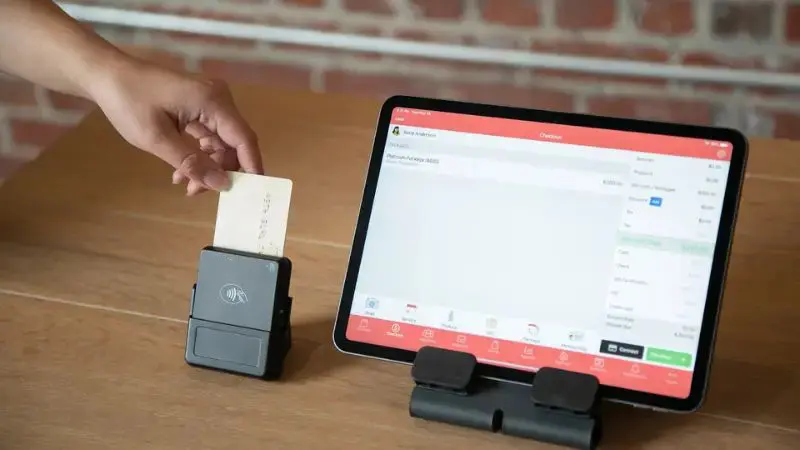
POS systems are replacing cash registers in 2026 because, in the modern world, retail owners do not have ample time to perform manual and repetitive tasks such as counting a large amount of cash.
They can instead deploy their workforce to other tasks, such as optimizing operations and offering better customer service, while a POS system handles payment processes.
Moreover, customers now also expect flexible payment options wherever they shop. Only accepting cash can be a significant turn-off in the present age, as more and more consumers are shifting to digital payments.
A POS system also syncs all the retail store’s payment data into one cloud based platform. You can access this data via your smartphone, too. This data includes in-store, online, mobile, and social media sales synced and displayed in a central, real-time database.
A POS system also offers more automation than a cash register ever could. Furthermore, small retail store owners can make data-driven decisions by relying on valuable customer purchasing insights that a POS records.
Frequently Asked Questions (FAQ)
What is the main difference between a cash register and a POS system?
A cash register is a secure cash storage that is fixed to a countertop. A POS system is a combination of hardware and software that accepts multiple payment options, records customer purchase data, and can even integrate with the store’s CRM.
Is a POS system more expensive than a cash register?
A POS system might cost more upfront than a cash register, but over the period of time, it pays for itself by offering sales reports, customer-driven input, automation, and multiple payment options. With these in the bucket, it could actually end up costing less than a cash register.
Can small retailers benefit from POS systems?
Small retailers can definitely benefit from the POS system by implementing small POS solutions tailored to their retail business. A POS system can help them automate payment processes and analyze sales reports to make informed decisions for their stores.
Do POS systems support touchscreen checkout?
Modern POS systems support touchscreen checkout and rely on it heavily. Touchscreen POS offers intuitive, easy to learn, and quick interfaces for staff to make the payment process as quick and convenient as possible for both the staff and the customer.
Are cash registers still relevant in 2026?
For very small shops running simple cash transactions, sure. But most retail owners have moved to POS systems because they track inventory, process digital payments, and give you actual data on what’s selling. A traditional cash register can’t do any of that, which is why fewer businesses are sticking with them.
Conclusion – Which Should You Choose in 2026?
If you’re running a small shop with just a few cash transactions a day and no real plans to expand, a traditional cash register can still do the job. Sometimes simple is all you need.
But once your sales volume grows, or you want better visibility into what’s selling, a POS system quickly becomes essential. It’s not just about processing payments anymore. It’s about speed, accuracy, and having real data to guide your decisions.
Yes, the upfront cost is higher. But in most cases, it pays off pretty quickly through smoother checkout, better accuracy, and useful data you can act on.
Ready to Upgrade Without Overcomplicating Things?
If you’re thinking about upgrading from a cash register but want to keep things simple, SwiftForce offers POS hardware that’s easy to set up and built to grow with your business.
Visit to explore flexible POS solutions built for speed, reliability, and scalability. Or reach out to discuss your store size, transaction volume, and future growth plans.
No unnecessary complexity—just the tools you need to run your store better.