
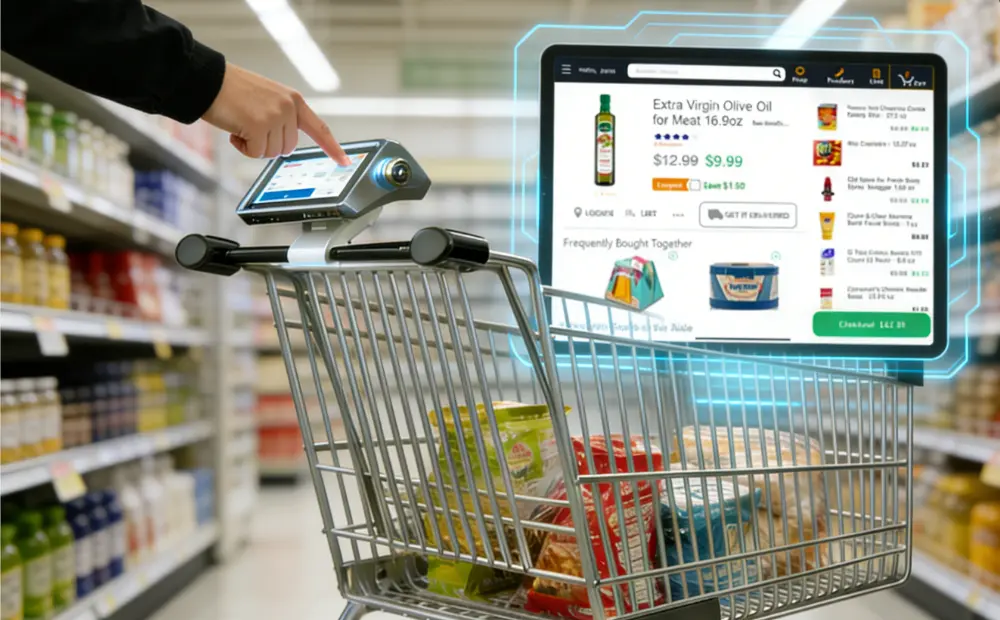
Every grocery operator knows the pain of a crowded front end. Self-checkout lanes reduce labor, but errors and slowdowns remain common. Smart carts offer a different path. They move the checkout into the aisle and remove the final stop at the register.
This article presents a real-world grocery store case study. It shows what changed after the adoption of smart carts. You will see clear gains in speed, labor use, and shopper experience. Read the full article to learn how smart carts improve grocery efficiency.
What Are Smart Carts in Grocery Stores?
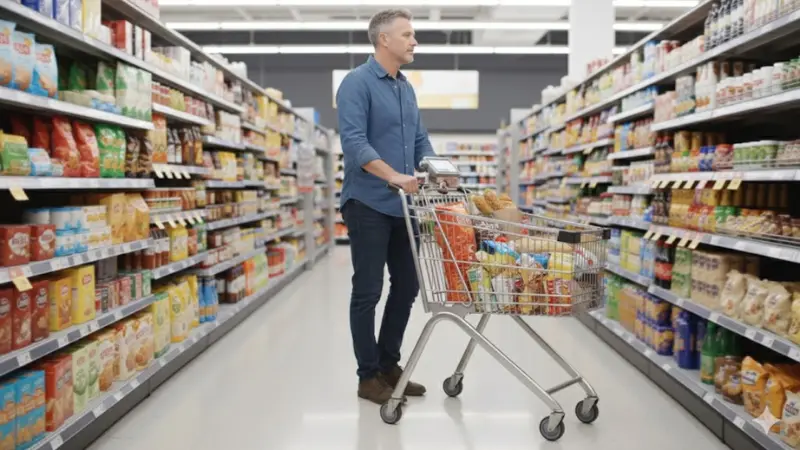
Smart carts in grocery stores are shopping carts with built-in checkout. Shoppers place items in the cart as they move through the store. The cart detects each item and adds it to a live total. At the end of the trip, the shopper pays and exits without stopping at a checkout lane.
This is not a full checkout-free store. The store still runs normal lanes. The cart simply removes checkout for shoppers who choose to use it.
How smart carts differ from other options
Smart carts often get confused with existing tools. The difference matters.
- Traditional shopping carts: These carts hold items only. Checkout still happens at a staffed or self-checkout lane.
- Scan-and-go apps: These rely on phones. Shoppers scan items by hand. Errors and missed scans remain common.
- Self-checkout kiosks: Checkout stays at the front of the store. Lines form during busy hours. Staff still manage exceptions.
Smart carts shift checkout into the aisle. That change reduces pressure at the front end.
How smart carts work inside a grocery store
AI smart shopping carts use simple tools that run in the background.
- Cameras recognize items when shoppers place them in the cart
- Weight sensors confirm item accuracy
- A screen shows items, prices, and totals in real time
- Payment happens on the cart or at a quick exit point
The shopper stays in control. The system stays accurate.
Where smart carts fit in the checkout flow
Smart carts sit between self-checkout and staffed lanes. They do not replace everything. They support weekly trips, families, and time-pressed shoppers. For grocery teams, smart carts add capacity without adding lanes. That makes them a practical checkout option, not a future concept.
Why Grocery Stores Are Rethinking the In-Store Shopping Experience
Checkout still shapes the entire grocery trip. When it slows down, everything else loses value. Surveys and store feedback show the same result. Shoppers dislike waiting more than any other part of the visit. Price matters. Product choice matters. Checkout decides whether they return.
Checkout friction remains the top complaint
Lines grow fast during busy hours. A smooth shop ends with frustration. Even small delays feel longer at the front of the store. This problem affects customer trust and basket size. It also creates tension for staff who manage the front end.
Why self-checkout struggles at scale
Self-checkout helped reduce labor. It did not remove friction.
- Lane congestion increases during peak traffic
- Staff overrides slow flow and pulls workers from other tasks
- Shrink pressure rises with missed scans and workarounds
Self-checkout works best for small baskets. Grocery trips often run larger.
Grocery labor challenges at the front end
Front-end staffing remains hard to balance.
- Traffic spikes during evenings and weekends
- Labor costs rise when extra coverage becomes necessary
- Training new staff adds time and expense
Stores need options that add capacity without adding lanes or headcount.
Why shoppers expect speed without effort
Grocery shoppers value speed, not complexity. They want control without steps. They want a checkout that feels natural, not forced. Contactless grocery shopping technology meets this expectation when it removes steps instead of adding them.
Where innovation must focus
| Problem | Impact on Stores | What Needs to Change |
|---|---|---|
| Long checkout lines | Lower satisfaction | Reduce front-end pressure |
| Self-checkout errors | Staff strain | Improve accuracy |
| Labor limits | Higher costs | Add flexible capacity |
In-store shopping experience innovation now focuses on flow, not features.
Grocery Smart Cart Case Study (Store Context and Deployment)
Store Background and Operational Challenges
This case study comes from a mid-size regional grocery store. The store serves both daily shoppers and weekly stock-up trips. It operates in a busy suburban market with strong evening and weekend traffic.
The store carries about 28,000 SKUs across fresh, packaged, and household categories. Daily foot traffic averages 2,100 to 2,400 shoppers, with sharp spikes after work hours and on weekends.
The front end includes:
- 6 staffed checkout lanes
- 8 self-checkout kiosks
- 1 express lane during peak hours
Despite this mix, checkout remained the main bottleneck.
Checkout performance before smart carts
Before smart cart deployment, the store faced consistent front-end pressure.
- Average wait time during peak hours reached 8 to 12 minutes
- Self-checkout error rates ranged from 12% to 15%
- Staff handled frequent overrides for missed scans, weight mismatches, and age checks
Each override slowed the line and pulled staff from other tasks.
Labor strain at the front end
Staffing the front end required constant adjustment. During peak periods, managers reassigned workers from stocking and customer service. This reduced shelf availability and increased in-store frustration.
Why the store looked for a different option
Leadership did not want to add more lanes. Floor space remained limited. Adding staff also failed to solve peak-hour congestion.
The team needed a solution that:
- Reduced pressure on checkout lanes
- Worked alongside existing systems
- Improved flow without changing store layout
Smart carts offered a way to move checkout into the aisle. This shift allowed shoppers to complete their trip without stopping at the front end.
Smart Cart Implementation Strategy
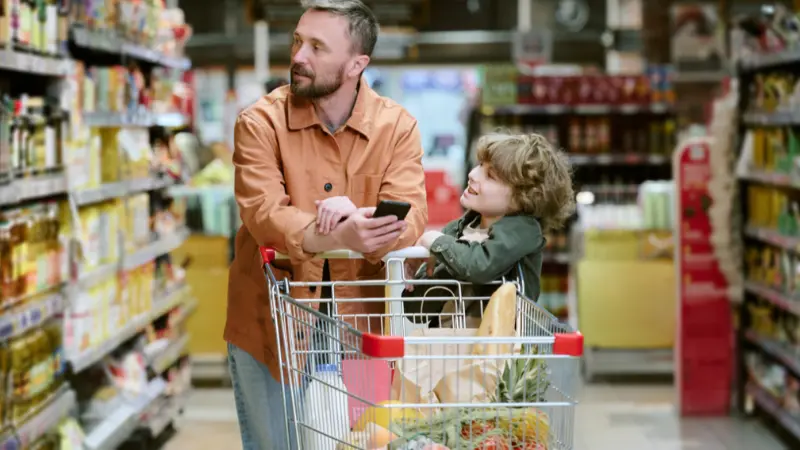
The store choose a phased rollout. Leadership started with a controlled pilot. This reduced risk and allowed fast adjustment. The pilot ran for eight weeks before wider use.
Deployment scope and cart availability
The initial phase introduced 30 smart carts. This matched store size and traffic patterns. The goal was not a full replacement. The goal was to add checkout capacity during busy hours.
Cart placement focused on high-traffic entrances. Staff encouraged use during peak periods. Adoption grew without forcing behavior changes.
Customer onboarding inside the store
The store kept onboarding simply. Shoppers learned by doing.
- Clear signs explained how to start and finish a trip
- Short instructions appeared on the cart screen
- Front-end staff offered help during early weeks
No app download was required. Shoppers could start a trip within seconds. This reduced confusion and increased repeat use.
POS and system integration
The smart carts are connected directly to existing store systems. This avoided changes to daily operations.
- Loyalty programs applied automatically
- Pricing and promotions stayed consistent across lanes
- Payments supported cards and contactless methods
Transactions posted to the same POS system as staffed and self-checkout lanes. Reporting stayed unified. Finance and operations teams did not need new workflows.
Why the rollout worked
The store treated smart carts as part of the front end. Not a side project. This approach kept staff aligned and shoppers comfortable.
This grocery smart cart case study shows that careful rollout matters as much as the technology itself.
Customer Experience Improvements After Smart Cart Deployment
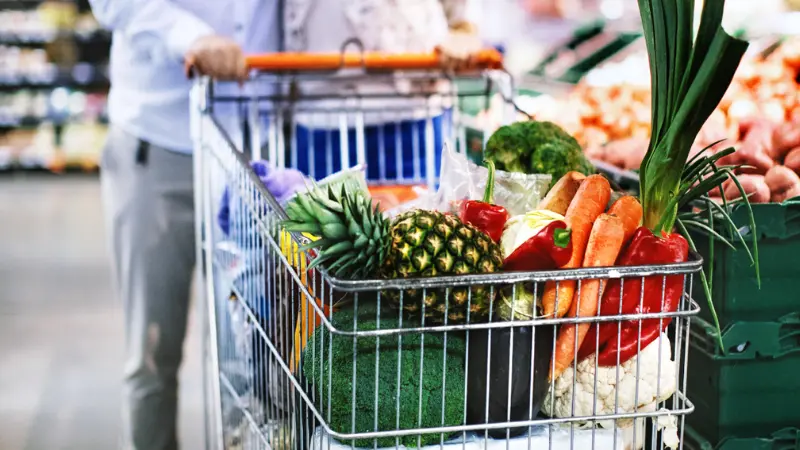
After smart carts rolled out, the store saw clear changes in shopper behavior and experience. Studies show smart carts can cut waiting time and deliver faster trips compared to traditional checkout processes.
Faster checkout times
Before smart carts, many shoppers waited in line at the front end. During peak hours, waits routinely reached 8–12 minutes on staffed and self-checkout lanes. After the smart cart pilot, checkout moved into the aisles. Shoppers scanned and paid on the cart itself. The average trip time dropped by about 7 minutes for smart cart users during busy periods. These results are consistent with broader market data showing smart carts can reduce checkout times and waiting pressure significantly.
Removal of end-of-trip friction
Shoppers often cited the end of the trip as the most stressful part. Crowded front ends and slow lanes lowered satisfaction. With smart carts, shoppers left without a final stop at the checkout. No queues. No lane choice stress. That alone boosted the perceived ease of visits.
Shopper control and visibility
Smart carts in grocery stores display item lists and running totals in real time. This helped shoppers stay aware of spending. Shoppers could correct placement errors immediately. This built trust and reduced disputes at payment. Back-to-back tests show that transparency and real-time pricing improve shopper confidence and satisfaction across retail deployments.
Adoption across shopper segments
Different shopper types adopted smart carts:
- Families used carts to streamline large trips
- Weekly stock-up shoppers avoided crowded lanes
- Time-pressed customers appreciated quick exits
Within three months, repeat usage exceeded 60% among eligible shoppers. That rate aligns with adoption trends seen in smart cart market research, showing strong repeat preference where benefits are clear.
Satisfaction and value perceptions
Post-visit surveys pointed to higher satisfaction scores for smart cart users. Comments focused on speed and ease, not novelty. That trend mirrors broader research indicating shoppers equate faster checkout with higher overall satisfaction.
Operational Efficiency and Store Performance Gains
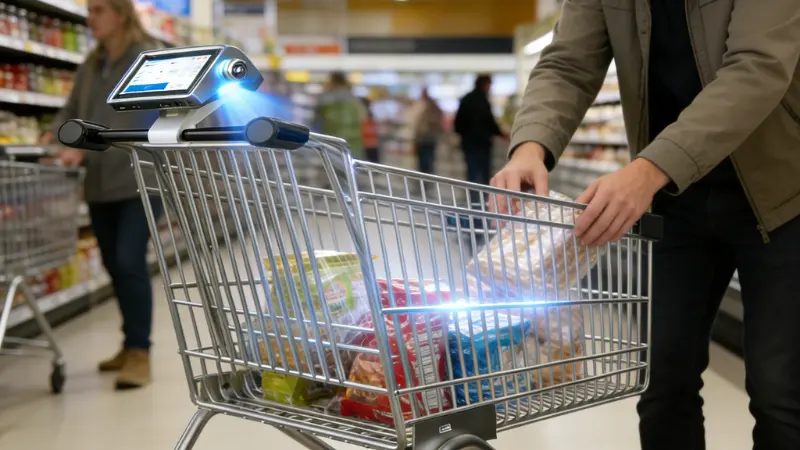
Smart carts affected more than customer experience. They changed how the store ran day to day. This is where grocery leaders judged viability.
Front-end labor reallocation
Before smart carts, managers staffed the front end to handle peaks. Extra cashiers stood by. Supervisors handled constant calls for help. After deployment, some checkout volume shifted away from lanes. Managers reassigned staff to stocking, cleaning, and customer support. The store did not cut roles. It used labor where it mattered more.
Fewer cashier interventions
Self-checkout lanes required frequent staff action. Missed scans. Weight alerts. Age checks. Each stop slowed the flow.
Smart carts reduced these moments. Item detection happened as shoppers placed products in the cart.
Reduced self-checkout exceptions
Exception rates at self-checkout declined after smart cart rollout. Shoppers with larger baskets chose carts instead of kiosks. That reduced the overload at self-checkout stations. Lines moved faster. Staff handled fewer alerts per hour.
Smoother peak-hour flow
Peak hours caused the most strain. Evening and weekend traffic pushed the system to its limits. Smart carts added flexible capacity. They absorbed demand without new lanes or layout changes. Traffic spread more evenly across the store. Bottlenecks eased.
Shrink impact compared to self-checkout
Shrink remained a concern. The store tracked results closely. Smart carts showed lower error-related loss than self-checkout. Real-time item checks reduced missed scans. Visibility improved accountability without slowing shoppers.
Smart Carts vs Self-Checkout in Grocery Stores
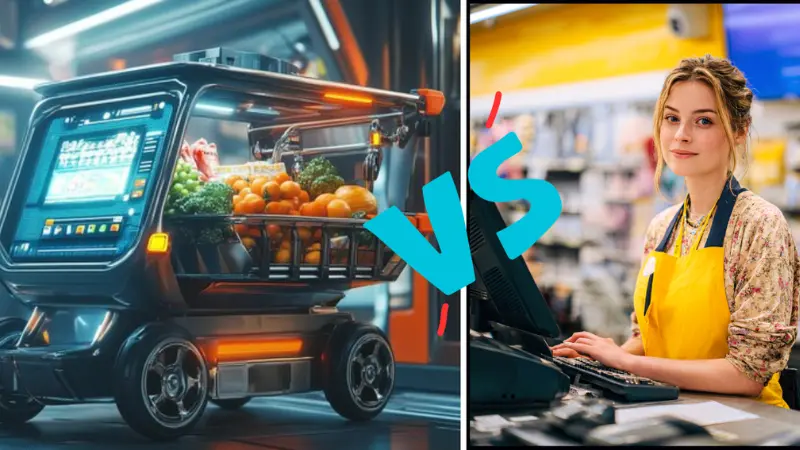
Smart carts and self-checkout serve similar purposes but handle traffic very differently. Understanding their impact helps grocery operators decide where to invest.
Line formation:
- Self-checkout still forms lines during peak hours. Shoppers pause at the front and wait for availability or staff intervention.
- Smart carts move checkout into the aisles. Shoppers finish scanning while shopping. Lines at the front shrink or disappear.
Peak-hour pressure:
- Self-checkout lanes slow under heavy traffic. Staff must assist frequently.
- Smart carts distribute volume across the store. Bottlenecks reduce naturally.
Staff dependency:
- Self-checkout requires frequent overrides. Staff spend hours resolving errors.
- Smart carts need minimal intervention. Staff focus on guidance and support rather than constant fixes.
Throughput per hour:
- Self-checkout averages depend on basket size and staff efficiency. Errors reduce actual throughput.
- Smart carts maintain steady throughput because scanning and payment happen simultaneously with shopping.
| Factor | Self-Checkout | Smart Carts | Key Advantage |
|---|---|---|---|
| Line Formation | Lines still form at peak | Minimal or no lines | Smart carts reduce congestion |
| Peak Hour Pressure | High | Lower | Smart carts handle spikes better |
| Staff Dependency | Frequent overrides | Minimal intervention | Smart carts free staff for other tasks |
| Throughput per Hour | Variable, slows with errors | Consistent | Smart carts maintain a steady flow |
For grocery leaders, smart carts provide smoother front-end flow. They lower the pressure on staff and keep shoppers moving. Self-checkout works for small baskets but struggles with high volume. Smart carts complement existing lanes without requiring extra staff or space.
Contactless Grocery Shopping as a Competitive Advantage
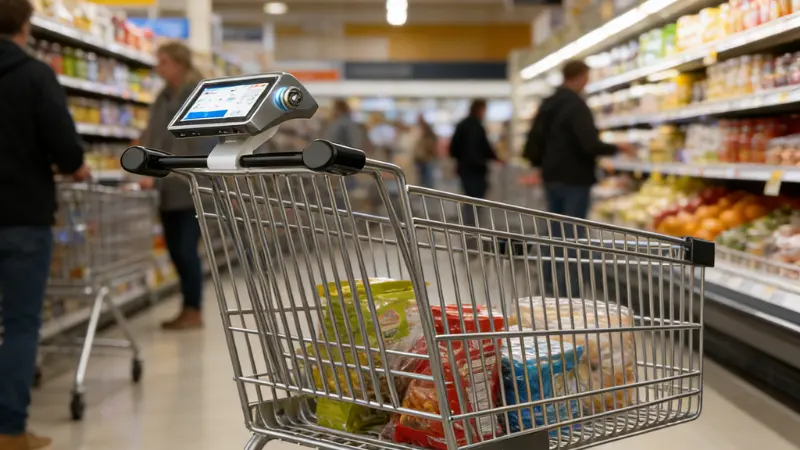
Many shoppers began choosing contactless options during COVID‑19 because they felt safer minimizing physical contact.
Trust and perceived safety
Contactless experiences build shopper trust. Grocers that reduce touchpoints at checkout can make customers feel more comfortable in the store environment. This matters not only during health concerns but also for convenience seekers. Data shows a growing number of consumers prefer minimal contact during in-store transactions, with many opting for tap‑to‑pay or app‑based checkout methods when available.
Smart carts as a voluntary contactless option
Smart carts offer contactless checkout without forcing behavior changes. Shoppers choose the experience. They scan and pay on the cart itself. There’s no stopping at a crowded lane at the end of the trip. This simplicity attracts shoppers who want speed without complexity, especially those who value contactless interactions even post‑pandemic.
Impact on brand perception and store choice
Stores that offer contactless options signal that they listen to shoppers’ needs for speed and comfort. This can improve overall brand perception and help retain customers who compare stores based on experience, not just price. A positive contactless experience can become a differentiator when shoppers decide where to return next.
Smart Carts and Grocery Retail Technology Trends for 2026
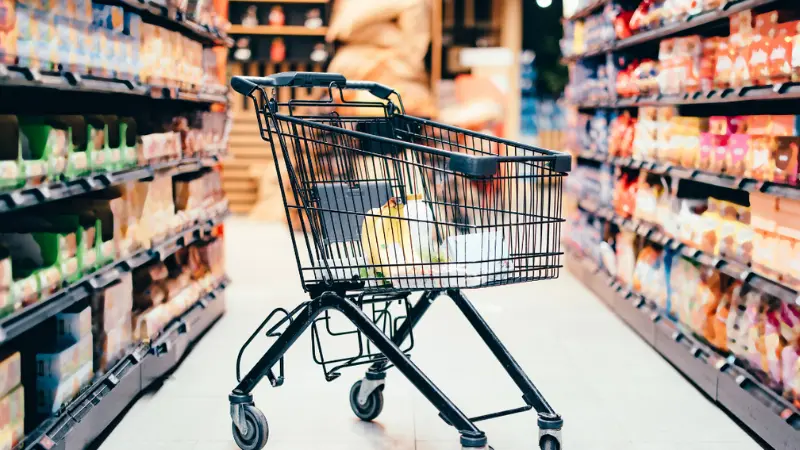
AI-Assisted In-Store Automation
Grocery stores are using AI to improve daily operations. Smart carts are part of this trend. They track items in real time and reduce manual scanning. Stores gain consistent speed without adding staff.
Real-Time Basket Data
Smart carts collect instant basket data. This helps stores understand shopper behavior. Managers can adjust staffing, promotions, and stock placement based on real-time insights.
Smarter Merchandising Insights
AI-driven analysis from smart carts shows which products move faster. Stores can plan displays, promotions, and replenishment more efficiently. Decisions rely on data, not guesswork.
Hybrid Front Ends
Smart carts work alongside traditional lanes and self-checkout. Some shoppers use carts. Others use staffed lanes or kiosks. This hybrid approach balances flow and maximizes capacity without major layout changes.
These trends show that grocery retail technology in 2026 will focus on practical improvements.
Key Takeaways for Grocery Retailers Evaluating Smart Carts
- Smart carts make sense in stores with high peak-hour traffic and frequent long checkout lines.
- They work best in mid-size to large supermarkets with a mix of weekly stock-up shoppers and families.
- Stores with very small footprints or low traffic may not benefit enough to justify the investment.
- Integration with existing POS, loyalty, and pricing systems is critical for smooth adoption.
- Phased rollout allows staff and customers to adapt without disruption.
- Adoption grows faster when onboarding is simple, with clear signage and staff guidance.
- Real-time data from carts helps optimize labor, merchandising, and front-end flow.
- Smart carts reduce friction and improve customer satisfaction, making them a practical operational tool rather than a novelty.
Frequently Asked Questions About Smart Carts in Grocery Stores
What are smart carts in grocery stores?
Smart carts are shopping carts with built-in scanning and payment. Shoppers add items as they move through the store. Checkout happens on the cart, eliminating the need to stop at a lane.
How do smart carts improve the grocery shopping experience?
They reduce wait times, remove end-of-trip stress, and give shoppers real-time visibility of items and totals. This makes trips faster and more predictable.
Are smart carts better than self-checkout lanes?
For busy stores, yes. They lower peak-hour congestion, require fewer staff interventions, and maintain consistent throughput. Self-checkout still works for smaller baskets or low-traffic stores.
Do smart carts support contactless grocery shopping?
Yes. Shoppers scan and pay on the cart itself. Minimal touchpoints improve hygiene and speed.
Are smart carts a long-term grocery retail trend?
They are practical and scalable. Stores that adopt them see measurable operational and customer experience gains.
Final Take: Smart Carts Deliver Real Gains
Smart carts improve both customer experience and store efficiency. Shoppers save time, and lines at the front end shrink. At the same time, staff spend less time handling overrides and managing queues, especially during peak hours.
These carts are a practical checkout strategy. Stores that adopt them see measurable results and smoother operations. Before investing, evaluate your traffic, basket size, and staff needs carefully.
Start Your Smart Cart Strategy with SwiftForce
If you’re ready to modernize your checkout experience and reduce in-store friction, smart carts offer a proven path forward.
Visit to explore SwiftForce smart cart and POS solutions designed for high-traffic grocery environments. Or connect with our team to discuss your store layout, pilot plans, and deployment strategy.
Let’s help you build a faster, smarter, and more efficient shopping experience.