
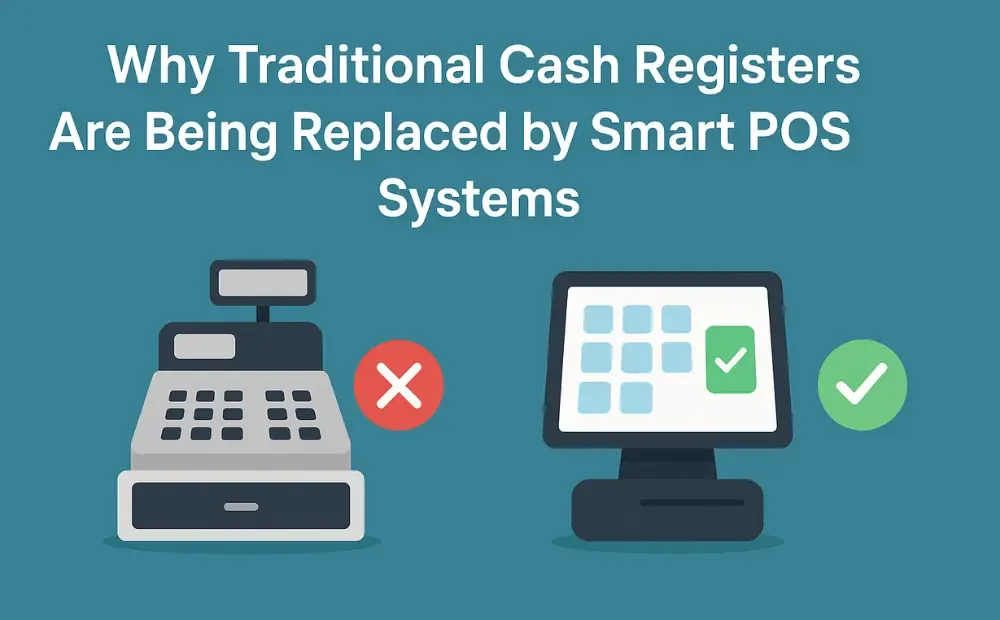
Recent industry data suggests that nearly 79% of businesses worldwide now use some form of modern POS system instead of old-fashioned cash registers. I still remember when traditional cash registers were new. Well, not new, but back when they were considered a little luxury. A modern upgrade to any business. Back then, owning one felt like a sign your shop was “upgraded,” efficient, and ready for growth.
But a lot has changed since those days. It’s more than important to pick the right side in this POS vs cash register battle. Businesses that still use traditional cash registers struggle with slow checkouts, manual record-keeping, and limited payment options. And these things make customers impatient and shop owners busy with unnecessary paperwork.
Besides the obvious facts, let me tell you why businesses are replacing cash registers with POS systems in this blog.
What Is a Traditional Cash Register?
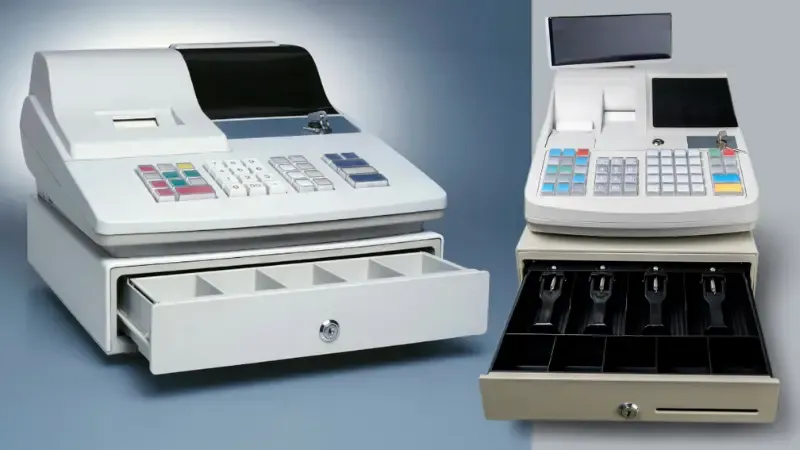
Cash registers came into the picture long before any of us were even born. More than a century ago. The first version was invented in the late 1800s to prevent employee theft and track sales.
It was a mechanical system with buttons, a drawer, and a printed receipt. It was not anything too fancy, but it indeed was a breakthrough for business owners who required more control.
A traditional cash register operates in a straightforward manner. You enter the price, press a few buttons, collect the payment, and the drawer pops open for cash. In some models, you can print a receipt and record the sale.
That is about it.
You can still find traditional cash registers in small, single-location businesses that prefer a minimal setup or have mostly cash customers. It works fine if the business has low foot traffic and does not need detailed sales reporting or digital payments.
The Limitations of Traditional Cash Registers
It’s easy to use a traditional cash register, but that simplicity comes at a cost. A cost that’s too expensive for today’s businesses.
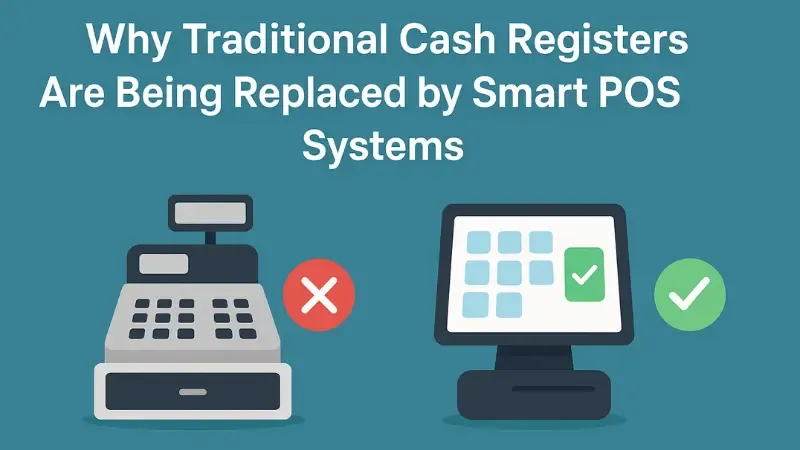
No Inventory Management
You can’t track your stock or sales with a cash register. You have to inspect stock levels manually to see which items are about to sell out and which ones are sitting on the shelf.
No Sales Analytics
You don’t get any reports or trends from a cash register. You are forced to make decisions on your ‘gut feelings’ instead of information.
Manual Record Keeping
End-of-day summaries, cash totals, and handwritten notes take time. Everything becomes a manual task. This takes your attention away from customers and slows down daily operations.
Prone to Human Error
Manual entry = mistakes.
It’s inevitable. And need I remind you how a small miscalculation can lead to losses, confused customers, and extra stress for the employees?
Does Not Support Modern Payment Methods
Customers no longer prefer cash payments. They want to pay with QR codes, cards, or mobile wallets. A traditional cash register can’t accommodate these options.
What Is a Smart POS System?
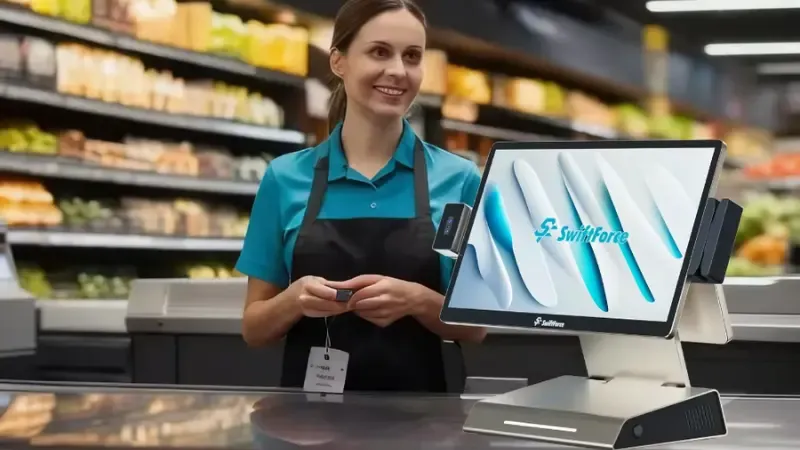
A smart POS system, aka point of sale system, is a setup that businesses use to track and manage sales and inventory. It can also manage reporting, staff access, and customer interactions.
It automates 99% of the manual tasks and makes your business operations time-saving and more efficient.
Smart POS systems can either be cloud-based or on-premises. Cloud-based POS systems store all data online, which gives business owners access from any device, from anywhere. On-premises POS systems store data locally, so you can only access it at the store location.
POS vs Cash Register: Key Differences Explained
The table below will help you see the differences between a POS vs cash register side by side.
| Feature | Traditional Cash Register | Smart POS System |
|---|---|---|
| Checkout speed | Slow | Fast |
| Inventory tracking | No | Yes, automatic and real time |
| Sales reporting | No | Real-time analytics |
| Integrations | None | Payments, loyalty, CRM, ERP |
| Payment methods | Cash, basic card | NFC, QR code, mobile, contactless |
| Employee management | None | Full access control and tracking |
| Scalability | Low | High, can grow with your business |
Top Benefits of Smart POS Systems
I could go on and on about POS system benefits, but the ones below pretty much sum it up!
Speeds Up Checkout
Quick and easy transactions speed up the checkout process. This means shorter lines and happier customers.
Inventory Management
Since POS systems can automatically track every sale, your stock levels are always accurate. You will never run out of your most-selling items at the worst possible time.
Real-Time Reporting and Insights
A smart POS system gives you instant access to sales data. This helps you make the right call at the right time.
Integration with Loyalty Programs and CRM
You can connect your smart POS system with customer loyalty programs and CRM tools. The integration is quite smooth and hassle-free, and lets you deliver rewards, understand customer habits, and send targeted offers.
Ability to Accept Mobile Payments
Smart POS systems handle NFC, QR codes, and digital wallets. As a result, your business stays current and meets customer expectations.
Why Restaurants Are Replacing Cash Registers with Smart POS
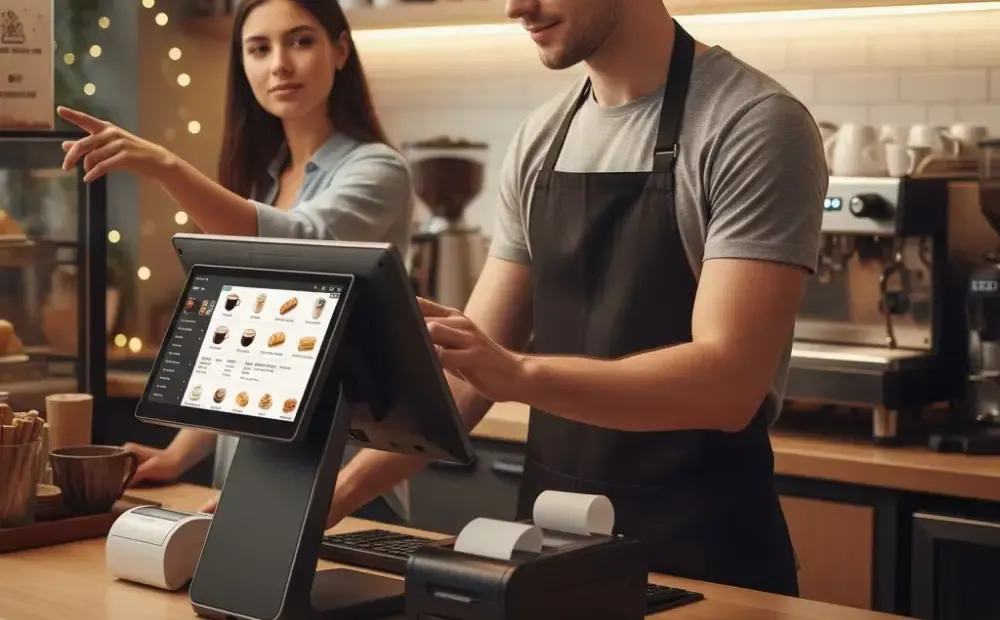
Restaurants face unique challenges that traditional cash registers cannot solve.
Table Ordering and KDS Integration
A POS system for restaurants lets servers take orders directly at the table using a tablet or mobile device. Orders are instantly sent to the kitchen display system (KDS), which reduces errors and speeds up service.
Faster Kitchen Communication
Smart POS systems improve communication between the front of house and the kitchen. Orders, special requests, and menu changes are sent with little to no delays and misunderstandings.
Split Bills and Menu Updates
A smart POS system can conveniently split bills. It lets customers pay their share without spending an hour calculating who owes what. These systems can also accommodate last-minute changes and update your menu across all devices in an instant.
Better Customer Experience
Your food could taste amazing, but customers won’t return if you offer slow service and frequently mess up orders. A POS system makes sure that does not happen. A happy customer is more likely to come back and promote your restaurant.
Why Retail Stores Are Transitioning to Smart POS

You can’t survive the competition if you stick to traditional cash registers in a fast-paced industry like retail.
Barcode Scanning and Price Accuracy
No one likes waiting in long lines, and no one likes being charged the wrong price. Smart POS systems can easily scan barcodes quickly and accurately.
Stock Alerts and Purchase Forecasting
A smart POS tracks inventory and updates you when you are running low on an item. It can even predict what you might need.
Omnichannel Readiness
Customers expect the same prices, stock, and promotions online as they see in your store. Smart POS systems tie everything together, so your store, website, and marketplaces all stay in sync.
Faster Returns and Exchanges
Returns used to be a headache, but not anymore. A smart POS system for retail gives instant access to customer purchase history to make refunds and exchanges quick and easy.
POS Hardware Options for Small Businesses
A POS system can quickly turn into a nightmare with the wrong POS hardware for a small business. Your budget is constrained, so you have to choose wisely!
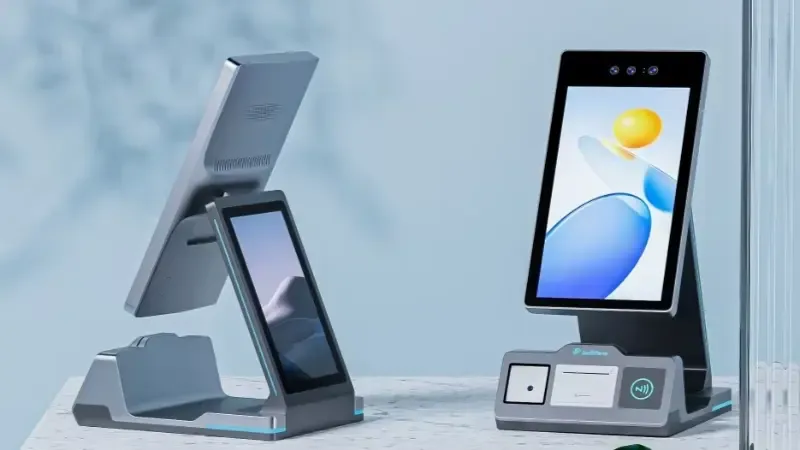
All-In-One POS Terminal
All-in-one terminals combine the screen, computer, and card reader into a single device. They take up less space on your counter and simplify setup. It’s a neat and efficient solution.
Touchscreen Terminals
Touchscreens make everything simpler. Your team can literally just tap and swipe their way through the day. It keeps the checkout line moving and saves you from those long training sessions nobody enjoys.
Receipt Printers, Scanners, and Cash Drawers
Traditional hardware like printers and scanners is still useful for many shops. It works alongside your POS to keep transactions organized and to make each sale quicker to handle.
Mobile POS
Using a mobile POS lets you move around the store while handling sales. You can check people out on the spot, which makes the experience smoother.
SwiftForce is one of the industry-leading brands that deals with all kinds of POS hardware and more. If you’re not sure about the right fit for your business model, talk to our experts.
How Much Does a Smart POS System Cost?
I wish there was a simple answer to this question. However, a POS system cost depends on what you need (software, hardware, extras).
Software Subscription
Many smart POS systems come with a monthly or yearly software fee. A basic plan usually costs between $20 and $50 a month. More advanced options can run $100 or more.
Hardware Costs
If you go for a simple setup, you might spend around $300 to $800 one time. If you prefer an all-in-one terminal or touchscreen setup with scanner and cash drawer, the price could be between $800 and $1,500 or more.
Add‑ons (extras)
If you want extras like a kitchen display system (KDS) for restaurants, self‑order kiosks, or loyalty program modules, expect to add more cost. These extras can range from a few hundred to over a thousand dollars.
Judging from these factors, a simple POS system for a small business can cost around $300–$800 for hardware plus $20–$50 per month for software.
Medium-sized stores or restaurants might have to spend $800–$1,500 or more on hardware and $50–$100+ per month on software.
Yes, it costs A LOT more than a traditional cash register. But look at the bigger picture. The upfront cost doesn’t matter if you don’t get any returns on your investment.
A POS system usually pays for itself within a few months to a year. Of course, that does depend on your sales volume and how well you use all the tools.
When Should a Business Upgrade from a Cash Register to a Smart POS?
Sometimes it is clear that a traditional cash register is holding your business back.

Hard to Manage Inventory
If you are constantly counting stock, running out of popular items, or storing products that do not sell, a smart POS can take over the work.
Long Checkout Lines
Long lines are stressful for your staff and annoying for your customers. A smart retail hardware POS will speed up checkout and make everyone’s day a whole lot smoother.
Need for Multiple Payment Methods
If you still only accept cash or basic cards, you may be losing customers. A smart POS can handle credit cards, debit cards, contactless payments, mobile wallets, and QR codes.
Increased Human Errors
Manual entry can easily lead to errors. You might get the totals wrong, miscount cash, or lose track of sales. A smart POS keeps everything accurate and generates reports automatically.
FAQs
What is the difference between a POS system and a cash register?
A cash register can only store cash and record transactions. A POS system can track sales, manage inventory, and accept digital payments.
Why are cash registers becoming outdated?
Businesses are ditching cash registers because they don’t offer inventory management, sales reports, and digital payment features.
How much does a POS system cost?
A basic POS system can cost $300–$800 on hardware plus $20–$50 per month for software. Costs tend to rise with add-ons.
What POS features do small businesses need most?
Inventory tracking, sales reporting, multiple payment options, and loyalty program integration are some of the POS features small businesses need the most.
Can restaurants still use cash registers?
Of course, restaurants can still use cash registers, but it will be akin to using an iPhone 5 when there is an iPhone 17 Pro Max available. Cash registers cause slower service, limited order management, and a lack of integration with existing systems.
Conclusion
Traditional cash registers had their moment, but the business world has moved on. What customers used to once brush aside is no longer acceptable today.
Running on a cash register might feel familiar and comfortable, but it is also holding you back. Upgrading to a smart POS system is the wise call.
CTA
If you’re ready to move beyond basic cash registers, check out SwiftForce to explore smart POS solutions. To discuss your specific needs, integrations, or upgrade plans, reach out to our team and request a consultation today.