
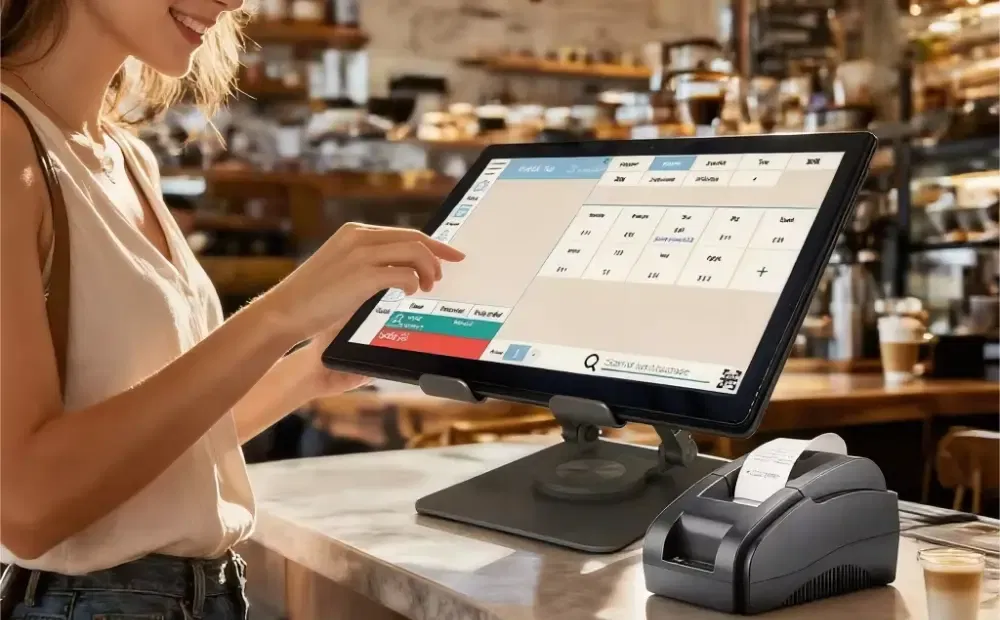
Slow checkout drains revenue every day. Long lines push customers to abandon baskets. Staff make mistakes under pressure. Managers lose control during rush hours. Checkout speed now shapes how customers judge a store. Modern POS systems address this gap. They support faster transactions, cleaner payments, and a smoother checkout process. They work as operational tools, not simple billing machines.
This article explains how POS systems improve checkout speed and customer satisfaction across retail formats. You will learn which features matter, how hardware affects speed, and what to review before replacing an outdated POS setup.
Why Checkout Speed Is Now a Competitive Retail Metric
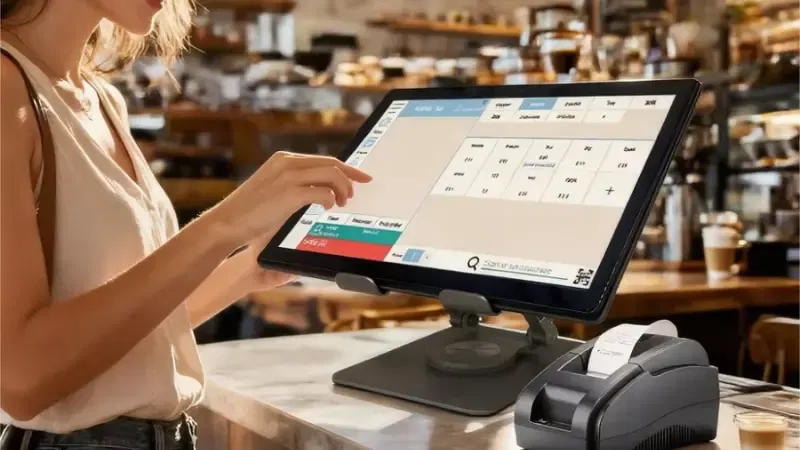
Checkout speed now shapes how customers judge a store. It affects revenue, staff performance, and repeat visits. Retailers that move shoppers through faster gain a clear edge, especially during busy hours.
Checkout Delays Directly Reduce Revenue
Slow lines push customers to leave before paying. Full baskets turn into lost sales. This typically occurs during peak hours, when demand is high, and patience is low. Each delay lowers the number of transactions a store can complete in an hour. Faster checkout means more sales with the same space and staff.
Slow Lines Create Staff Pressure and Errors
When lines grow, staff rush. Mistakes follow. Wrong prices, missed scans, and payment issues increase. These errors slow checkout even more and trigger customer complaints. A slow system forces staff to work around it rather than focus on customers.
Customers Judge the Store at the Checkout
Shoppers remember how checkout feels. Long waits create frustration, even if the rest of the visit went well. Fast checkout leaves a clean final impression. It signals control, reliability, and respect for the customer’s time.
Why Speed Matters More in High-Volume Retail
In supermarkets, small delays multiply across large baskets. In convenience stores, speed defines the entire experience. In apparel and specialty retail, checkout affects returns, exchanges, and loyalty signups. Across all formats, retailers track one core metric. Throughput per hour shows how many customers a store can serve without friction. Faster checkout protects this number and the brand behind it.
What a Modern Retail POS System Actually Is (And What It Replaces)
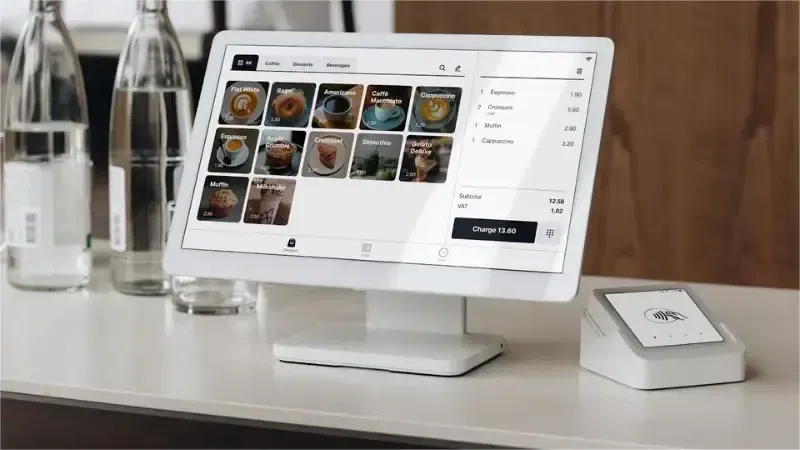
Many retailers still confuse POS systems with old cash registers. They are not the same. A modern retail POS system works as the control center for checkout, not just a tool to collect payments.
A retail POS system combines hardware and software to manage sales in real time. It supports staff at the counter and keeps store data aligned across the floor.
What a modern retail POS system includes:
- POS terminal: A touchscreen unit that handles item scanning, totals, and checkout flow. It responds fast and reduces manual steps for staff.
- Payment processing: One built-in payment flow for cards, contactless, and mobile payments. It removes delays caused by separate payment devices.
- Inventory sync: Live stock and price updates at checkout. It prevents pauses caused by missing items or price checks.
- Customer display: A screen that shows prices and totals to shoppers. It reduces questions and builds trust during payment.
POS system vs traditional cash register:
- Speed: Cash registers rely on manual input. POS systems automate checkout steps and move lines faster.
- Accuracy: Registers increase pricing and entry errors. POS systems reduce mistakes through scanning and synced data.
- Integration gaps: Legacy systems work in silos. POS systems connect sales, stock, and payments, removing checkout bottlenecks caused by disconnected tools.
How POS Systems Improve Checkout Speed in Real Retail Environments
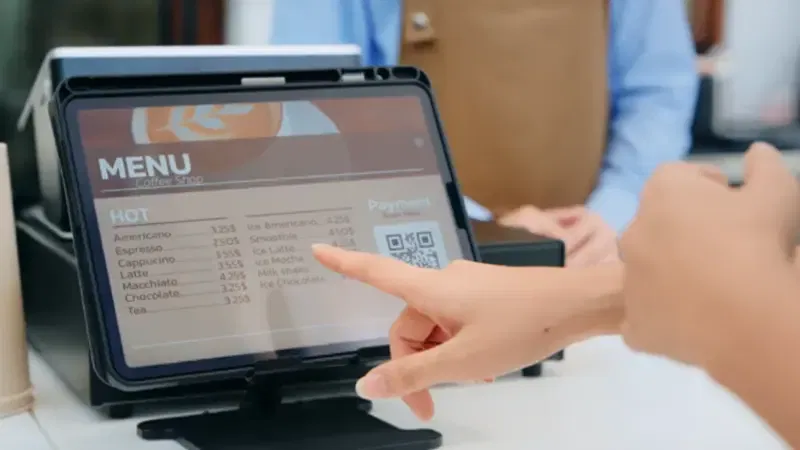
Checkout speed improves when systems remove manual steps and data delays at the counter. POS systems do this by combining scanning, payment, inventory, and hardware into a focused flow. These improvements matter most during rush hours.
1. Faster Transaction Processing at the Counter
POS systems cut checkout time by reducing manual work and guiding staff through each step. This matters most when traffic peaks.
- Barcode Scanning vs Manual Price Entry
Barcode scanning replaces slow typing. Scanners read codes instantly and automatically add items to the cart. This reduces input errors and speeds up service. Studies show that barcode scanning can significantly reduce transaction time and reduce queues, especially in grocery retail.
- One-Tap Totals and Tax Calculation
With POS systems, prices and taxes apply instantly at the counter. Cashiers do not pause to calculate totals or verify discounts manually. Retail reports find that this automation reduces both time per sale and human error.
- Faster Voids and Corrections
Staff make mistakes, especially during busy periods. POS systems allow quick adjustments without restarting a transaction. This keeps lines moving and reduces frustration for staff and customers alike.
Together, these features increase throughput per hour without adding staff or registers.
2. Integrated Payments Eliminate Terminal Delays
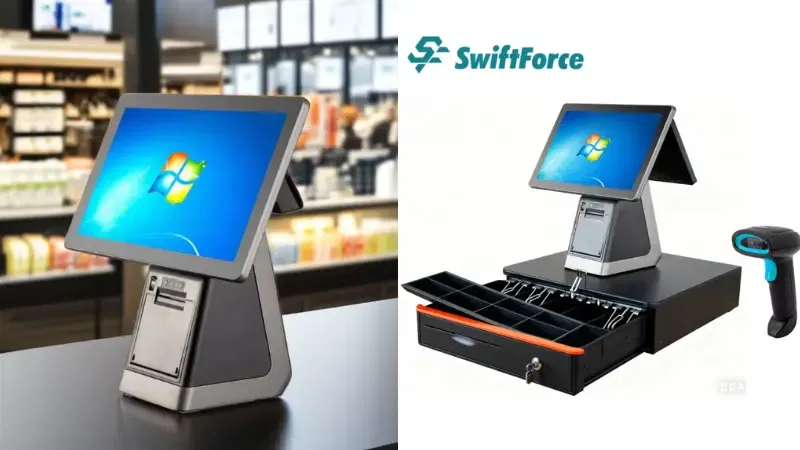
Standalone payment devices slow down checkout. Switching between screens and terminals adds seconds per sale. Integrated payment processes solve this.
Integrated payments speed checkout by:
- Handling card and mobile payments in one flow
- Reducing screen switching and clicks
- Completing payment confirmation in one step
- Cutting retries from failed reads
Reports on retail POS improvements note that integrated payments reduce overall transaction time and make lines move smoothly during peak hours.
When payment processing stays on the POS screen, staff follow a single flow from scan to receipt, reducing delays.
3. Real-Time Inventory Prevents Checkout Interruptions
Mismatch between shelf and system prices causes delays. Staff wait for approvals or manager help. Real-time inventory fixes this.
- Price Accuracy at Checkout
POS systems show the correct price instantly when an item scans. No pauses to confirm price tags or paper lists. Studies of inventory-integrated retail systems show up to 40% fewer discrepancies, leading to faster transactions.
- Fast Item Lookup During Busy Hours
When stock levels and item details sync live, staff do not leave the counter to search for SKUs or check paperwork. Everything appears on one screen in seconds.
- Stock Accuracy for Variant and Weighted Items
Sizes, colors, and weights stay tied to correct prices and totals. Staff handle exceptions faster with accurate data, keeping queues short.
Real-time data reduces interruptions and keeps checkout flowing.
POS Hardware Built for Speed, Not Office Use
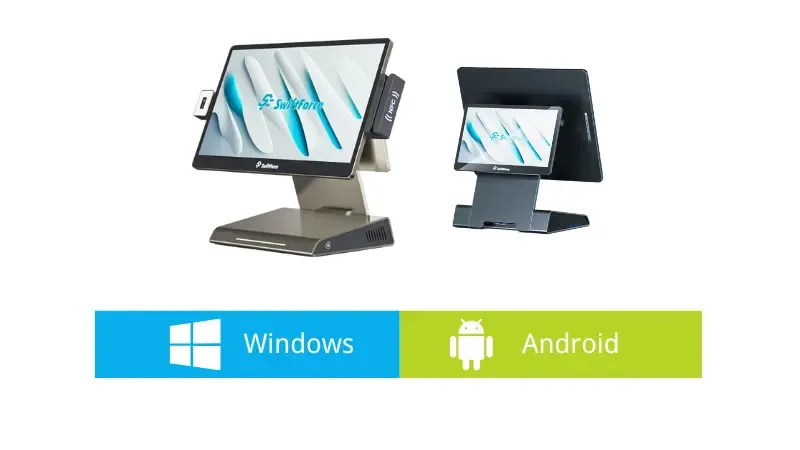
Software matters, but hardware must keep pace with retail demands. Checkout spikes can overwhelm slow machines.
Hardware features that impact checkout speed:
- High-performance CPUs: Faster processors keep checkout screens active even during peak loads.
- Responsive Touchscreens (10.1” vs 15.6”): Bigger screens reduce tapping errors and improve clarity.
- Customer-Facing Displays: These show prices and totals, cutting price checks and back-and-forth questions.
- High-Speed Scanners and Printers: First-pass scans and quick printing remove pauses after payment.
- All-in-One Terminals: Integrated units reduce cabling glitches and device failures that stall checkout.
Retail tech research shows that modern POS hardware delivers higher throughput and fewer equipment failures than generic devices not designed for retail floors.
Purpose-built hardware keeps checkout operations stable during rush hours.
The Direct Link Between POS Checkout Speed and Customer Satisfaction
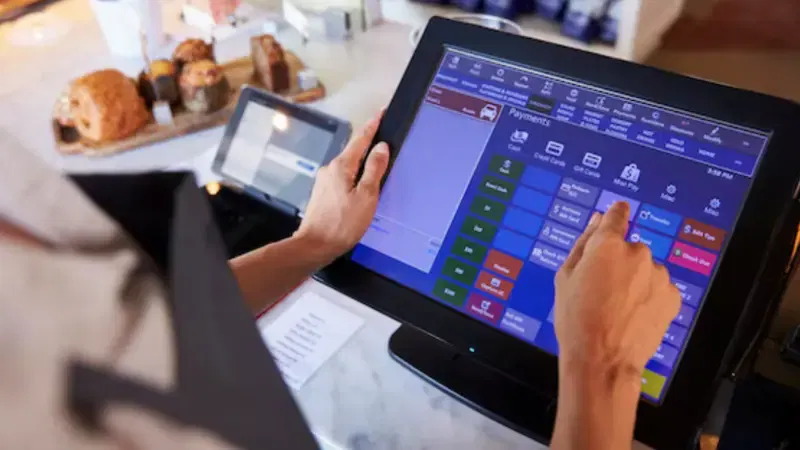
Checkout speed shapes how customers feel about a store. It often matters more than product range or layout. POS systems influence this moment directly. When checkout runs smoothly, customers leave with a positive impression. When it slows down, frustration builds fast.
Shorter Lines Change Customer Behavior
Customers react strongly to waiting. Long lines raise stress and reduce patience. Many shoppers decide whether to return while standing at the checkout. POS systems help shorten lines by keeping transactions fast during peak traffic.
During rush hours, small delays multiply. POS systems absorb this pressure by processing items and payments faster. Shorter lines lead to fewer walkouts and more completed purchases. Customers leave feeling respected, not rushed or ignored.
POS-Driven Personalization at Checkout
Personalized checkout no longer slows the line. POS systems make it fast and simple. Loyalty recognition happens the moment a customer checks out. Staff do not search for profiles or cards.
Member pricing applies automatically. Customers see savings without extra steps. POS systems also support targeted offers at checkout. These offers appear at the right moment and do not interrupt payment.
This type of engagement feels helpful, not forced. It builds value without adding time. Faster checkout with light personalization improves satisfaction and increases return visits.
Payment Choice Reduces Friction
Customers expect payment flexibility. POS systems support this without slowing checkout.
Common options include:
- Contactless payments
- Mobile wallets
- QR-based payments
- International credit and debit cards
When customers pay the way they prefer, hesitation drops. Fewer questions appear at the counter. Payment completes faster and with less friction. This smooth flow improves trust and comfort, especially for new or visiting shoppers.
Accuracy Builds Trust and Reduces Complaints
Accuracy defines checkout quality. POS systems reduce pricing disputes by syncing items and total data in real time. Customers see clear prices on the screen before payment.
Receipts stay clean and easy to read. This reduces confusion after checkout. POS systems also speed up returns and exchanges. Staff can quickly access transaction records and resolve issues without delay.
Fewer errors lead to fewer complaints. Customers trust stores that get the checkout right every time. Speed and accuracy together shape a better final experience.
POS Checkout vs Self-Checkout (Speed, Control, and Reality)
Retailers often compare POS checkout and self-checkout by speed alone. The reality is more nuanced. Each model performs differently depending on basket size, staff presence, and store traffic. A clear view helps retailers choose the right mix.
Where Self-Checkout Slows Customers
Self-checkout works well for small baskets. It struggles when friction appears. Mis-scans are common, especially with barcodes that do not read on the first try. Customers pause, retry, and grow unsure.
Age checks also slow the process. Staff must step in to approve restricted items. This creates short but frequent delays. Assistance requests add more friction. Shoppers wait for help with errors, payments, or item placement. When staff cover multiple stations, wait time grows. These small pauses add up and reduce overall speed.
When Staffed POS Checkout Is Faster
Staffed POS checkout handles complex baskets better. Cashiers scan faster and resolve issues on the spot. They manage age checks, discounts, and returns without stopping the line.
POS checkout also works better during peak hours. Staff keep control of the flow and pace. They guide customers through payment and avoid repeated errors. For full carts or mixed items, staffed lanes often move faster than self-checkout.
Why Hybrid Models Work Best in Practice
Many retailers now use both models together. This approach balances speed and control.
- POS lanes handle large baskets and special cases
- Self-checkout supports quick purchases and light traffic
POS systems support both setups. They manage pricing, inventory, and payments across lanes. This keeps checkout consistent, no matter how customers pay. A hybrid model reduces pressure on staff and shortens overall wait time.
How to Choose the Best POS System for Fast Retail Checkout
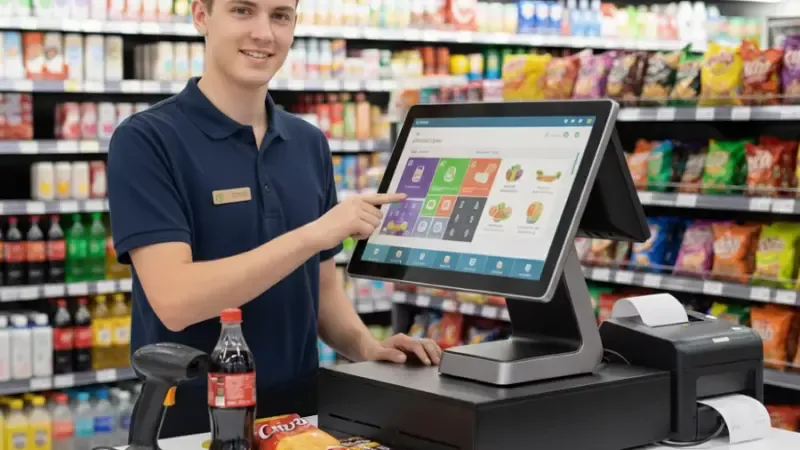
Not all POS systems deliver the same checkout speed. Some look modern, but slow staff down during busy hours. Retailers need to choose systems based on real checkout impact, not feature lists. The right choice supports fast flow, steady performance, and long-term value.
POS Software Features That Actually Impact Speed
POS software controls how fast staff move at the counter. A slow or cluttered screen creates hesitation. Fast software keeps each step clear.
Key software features to look for:
- Clean user interface: Simple screens reduce taps and confusion. Staff act with confidence.
- Fast item search: Products appear quickly by name or code. Staff do not pause to scroll.
- Reliable payment integration: Payments completed inside the same screen. No switching between systems.
- Live inventory sync: Prices and stock stay accurate at checkout. This avoids overrides.
- Multi-store control: Managers update data once and apply it everywhere.
Good software removes minor delays that slow checkout during rush hours.
POS Hardware That Keeps Lines Moving
Hardware quality affects speed under pressure. Retail checkout needs devices built for constant use.
Important hardware elements include:
- All-in-one POS terminals: One unit handles screen, processor, and payments. Fewer parts mean fewer failures.
- Dual-screen setups: Staff work on one screen. Customers view totals on the other. This reduces questions.
- Scanner performance: Fast scanners read codes on the first pass. This saves time per item.
- Printer speed and durability: Receipts print fast and clean. Paper jams cause avoidable delays.
Strong hardware keeps checkout stable during peak traffic.
Cloud POS vs Traditional POS (Speed Perspective)
Cloud POS systems update data in real time. Prices and inventory stay aligned across stores. Updates roll out faster without downtime.
Traditional systems rely on local updates. These updates take longer and often disrupt operations. Cloud systems also recover faster from issues. Fewer outages mean fewer checkout slowdowns. For speed-focused retailers, cloud systems offer clear advantages.
Budget, Pricing, and ROI for Retail POS Systems
Cost matters, but speed drives return. POS systems include hardware and software expenses.
- Hardware costs depend on terminal type and screen size
- Software fees usually follow a monthly plan
- Labor savings come from faster checkout and fewer errors
- Throughput gains allow more sales per hour
Faster checkout improves revenue without adding staff. Over time, this return offsets the initial investment.
Real Retail Scenarios Where POS Systems Improve Store Flow
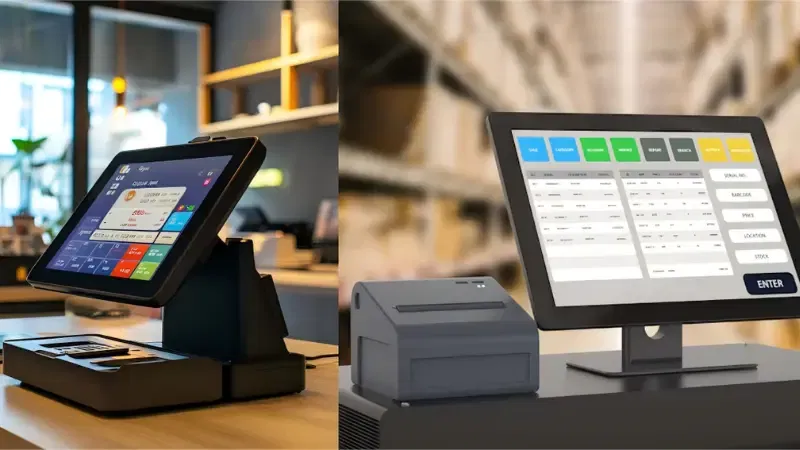
Checkout speed problems look different across retail formats. The POS system must match the store’s pace and product mix.
When it fits the environment, store flow improves without extra staff or floor changes.
Supermarkets → Handling Peak-Hour Congestion
Supermarkets face pressure during lunch and evening rush hours. Large baskets slow lines when staff enter prices or fix errors. A modern POS speeds up basket processing through fast scanning and instant totals.
Cashiers move item to item without pause. Weighted items load correct prices without checks. Payments finish in one step. Lines move even when every lane stays full. Faster checkout reduces crowd buildup near exits. Shoppers leave with fewer delays and less frustration.
Fashion Retail → Managing Variants, Sizes, and Returns
Fashion stores deal with product choices, not volume. Delays happen when staff search for sizes, colors, or past purchases. A strong POS displays variants on a single screen. Staff switch sizes without restarting the sale.
Returns process quickly with receipt lookup. Price checks happen without manager calls. Checkout stays calm even during weekend traffic. Customers feel supported, not rushed. Faster handling improves trust at the counter.
Convenience Stores → Speed-First Sales Environments
Convenience stores rely on speed. Baskets stay small but constant. Slow systems break the flow. A fast POS supports quick taps and rapid scanning. Payment completes in seconds. Staff serve more customers without stress.
Lines stay short even with limited space. The store flow remains smooth from entry to exit. Speed keeps customers coming back.
These scenarios show how POS systems shape real store movement. When checkout matches the store rhythm, everything moves better.
Final Take: The Cost of Waiting Keeps Rising
Retail technology will not slow down. Customers will not wait longer. Checkout speed now links directly to trust and repeat visits. A modern POS system helps protect this critical moment. It supports new payment habits and future store tools.
In contrast, outdated systems create friction during the busiest hours. They increase staff pressure, slow down lines, and turn peak shopping periods into operational risks. Upgrading early keeps control in your hands.
Ready to assess the right upgrade path for your business?
Explore POS systems built for speed. Review checkout performance before peak seasons arrive. Connect with our team to discuss your store setup and explore the best POS solution for your operations.