
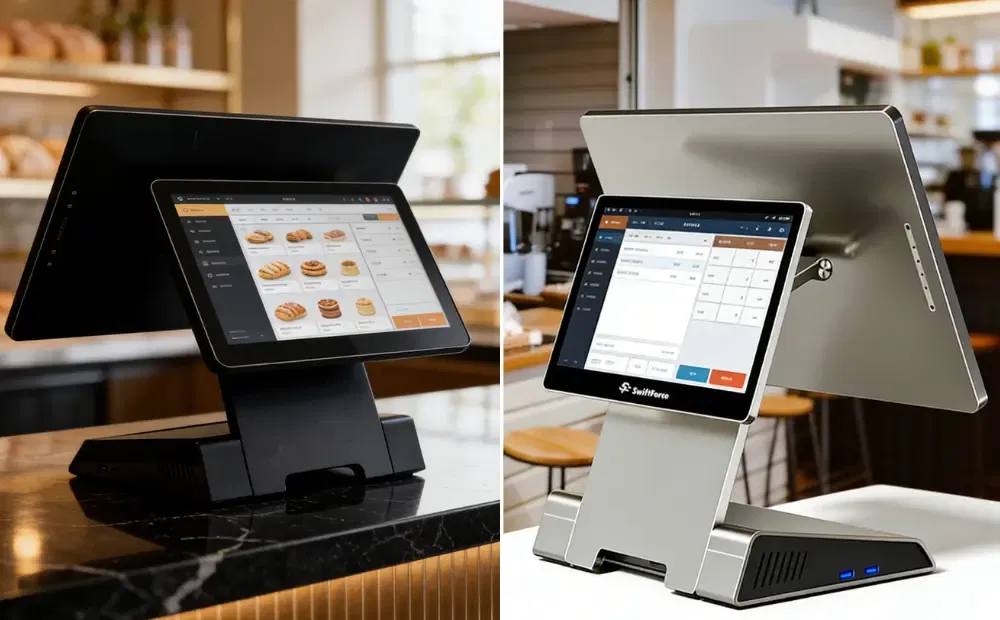
You open the store. Customers arrive. Checkout should run smoothly. Instead, the register slows everything down.
Traditional cash registers no longer fit modern retail needs. They limit speed, and sometimes restrict payments. They make store management harder. Retail owners are now seeking better checkout systems. They want faster sales and more payment choices. They want clear control over daily operations.
This guide breaks down the best alternatives to cash registers. It explains smart POS systems, self-checkout, and mobile POS tools. You will learn how these options compare in cost and performance. You will also learn how to choose the right checkout setup for your store.
The Best Alternatives to Traditional Cash Registers for Retail Businesses
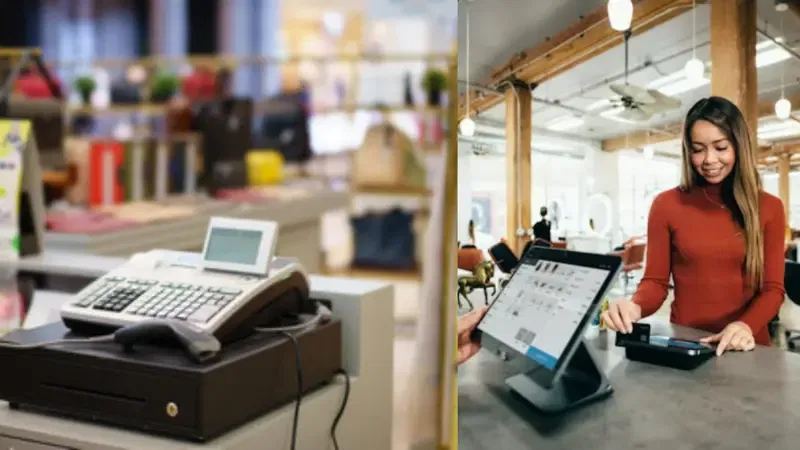
Retailers no longer rely on cash registers alone. Modern stores need speed, payment choice, and control. That shift has led to three clear alternatives. Each option fits a different retail setup. Each solves real checkout problems.
Here are the top 3 alternatives to traditional cash registers.
- Smart POS Systems
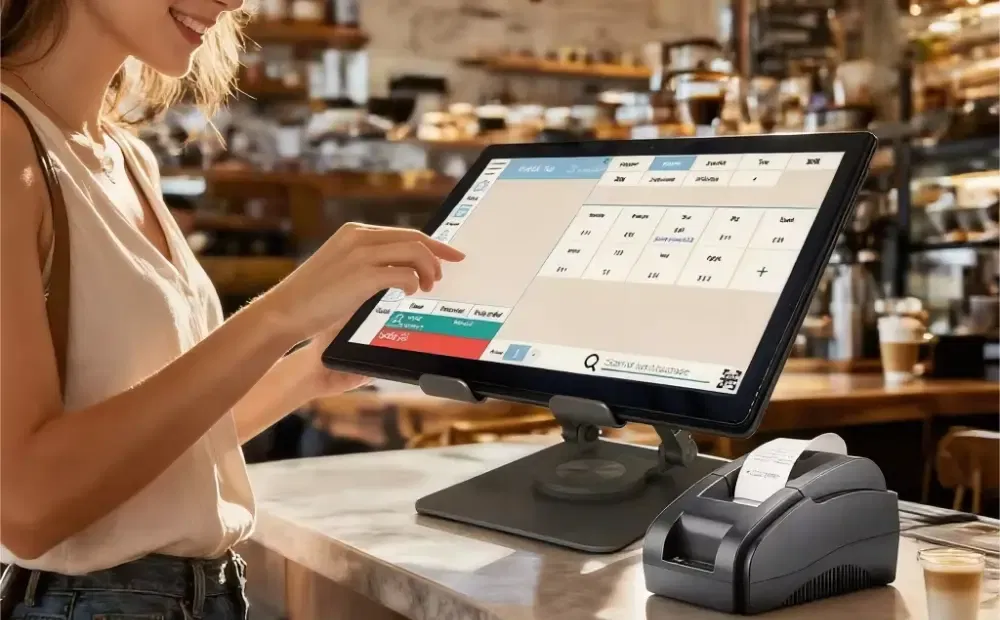
Smart POS systems replace traditional cash registers with software-driven checkout. These systems run on touchscreens, fixed terminals, or tablets. They handle sales and store operations in one place. A POS system connects checkout, inventory, and reporting. Staff use a screen instead of buttons. All the checkout updates happen in real time.
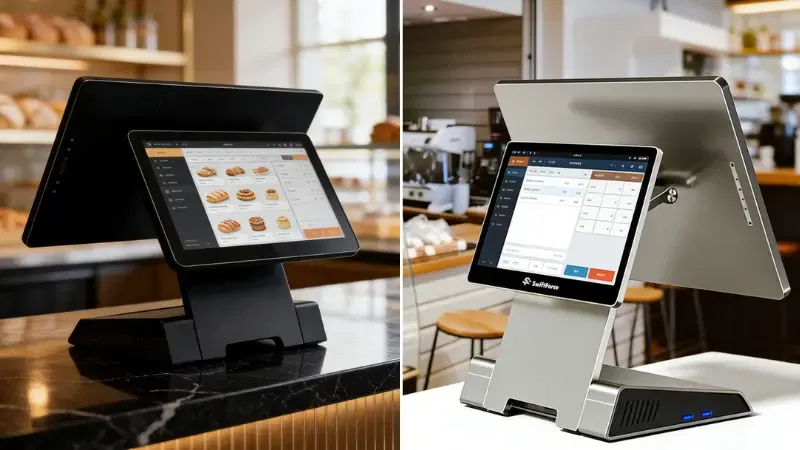
Key Features of Smart Pos System
- Item-level sales tracking: Every product sale updates instantly.
- Inventory management: Stock levels adjust after each sale.
- Built-in reports: Retailers view daily, weekly, or monthly sales.
- Employee access controls: Managers limit actions by role.
Business Benefits of a Smart POS System
Smart POS systems speed up checkout. Staff find items faster. Prices stay accurate. Manual entry errors drop.
Retailers gain clear sales visibility. They track top products and slow sellers. They also see peak sales hours. This control helps with better restocking and staffing.
Smart POS systems also support modern payments. They handle cards and contactless pay. That improves customer flow at checkout.
Best-Fit Retail Scenarios
Smart POS systems work best for:
- Apparel and fashion stores
- Electronics and specialty retail
- Small to medium-sized retail chains
These stores manage many products and price changes. A smart POS system simplifies daily operations. Compared to a cash register, it offers better speed and control.
- Self-Checkout Systems
Self-checkout systems shift the checkout task to the customer. This system lets customers scan and pay for items on their own. Self-checkout reduces reliance on staffed counters because it handles pricing and payment without cashier help.
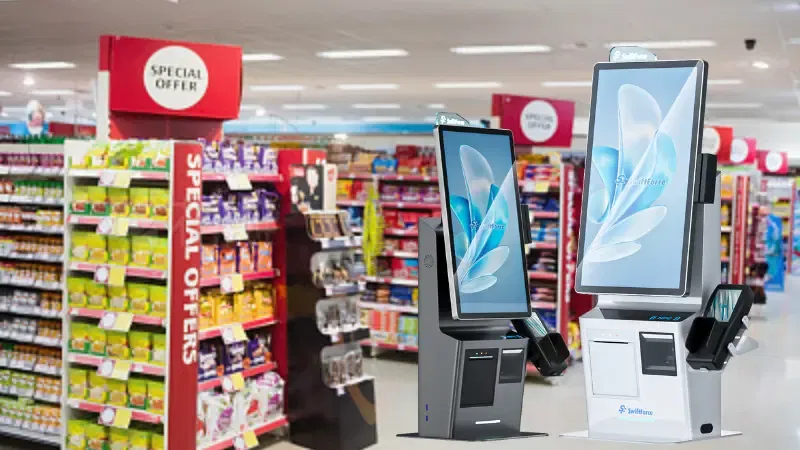
How Self-checkout Works in Retail
- Customers scan each item
- The system shows the total
- Customers complete payment on the screen
Staff stay nearby to assist when needed. One employee can oversee several stations.
Operational Advantages of Self-Checkout Systems
Self-checkout systems reduce checkout lines. Customers move faster during peak hours. Stores process more sales per hour.
Labor pressure also drops. Retailers shift staff to stocking or customer support. This setup helps during rush periods and staff shortages.
Self-checkout also improves consistency. Prices apply automatically. Errors decrease.
Where Self-checkout Works Best
Self-checkout fits:
- Supermarkets
- Convenience stores
- High-traffic retail environments
These stores handle frequent, low-value purchases. Speed matters more than personal service. Self-checkout systems support smart checkout goals for retail businesses.
- Mobile POS Options for Stores
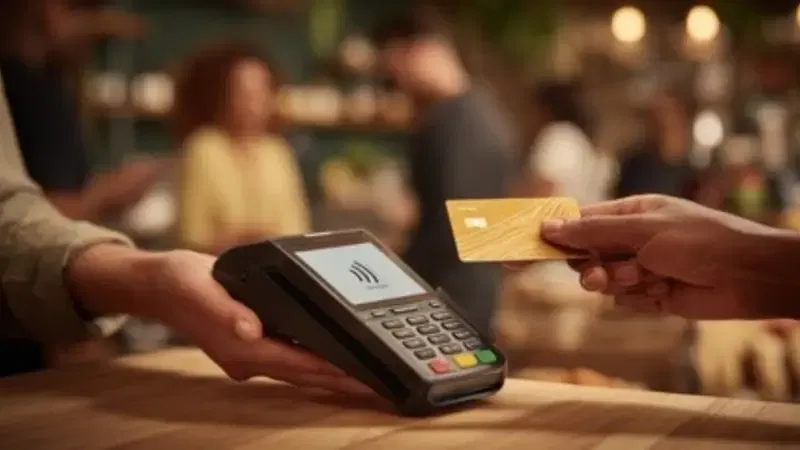
Mobile POS options move checkout beyond the counter. These systems run on tablets or smartphones. It connects to the same system as the main checkout. Sales sync instantly. Staff bring checkout to the customer.
Checkout Flexibility
Staff complete sales anywhere in the store. This reduces lines at the counter. Retailers also set up temporary checkout stations during busy hours.
Mobile POS works well for assisted selling. Staff help customers and complete payment on the spot.
Payment Capabilities
Mobile POS systems support:
- Contactless cards
- Mobile wallets
- QR-based payments
These options speed up checkout and reduce cash handling.
Ideal Use Cases
Mobile POS fits:
- Small retail stores
- Pop-up shops
- Seasonal or event-based retail
These stores need flexible setups. Mobile POS options reduce hardware needs while supporting contactless payments.
Why These Alternatives Matter
Each alternative solves a different problem. Smart POS systems replace cash registers for full store control. Self-checkout systems reduce lines in busy stores. Mobile POS options add flexibility where counters limit flow.
Modern cash register solutions focus on speed, choice, and control. Retailers now choose systems based on store type, traffic, and growth plans.
Comparison Between Traditional Cash Registers vs Modern Checkout Solutions
Retailers often compare traditional cash registers and modern checkout systems before making a switch. The differences go beyond price. They affect speed, control, and long-term growth.
Feature-by-Feature Comparison
| Feature | Traditional Cash Register | Modern POS & Checkout Solutions |
|---|---|---|
| Checkout speed | Slower item entry | Faster item lookup and payment |
| Payment options | Cash and cards only | Cards, contactless, wallets, QR |
| Inventory tracking | Manual or separate | Automatic and real-time |
| Reporting | Basic totals | Detailed sales and product data |
| Scalability | Single register only | Easy to add devices and stores |
A cash register records sales. It does little else. A POS system connects checkout, inventory, and reporting. Self-checkout and mobile POS improve speed in busy stores. This difference matters during peak hours.
Cost vs Long-Term Value
Cash registers cost less upfront. Hardware prices stay low. That appeals to small stores with tight budgets.
Modern checkout systems cost more at the start. Retailers pay for hardware and software. Some systems include monthly fees.
The long-term value changes the picture. POS systems reduce pricing errors. They cut manual work. They improve stock accuracy. These gains save time and money over months and years.
Self-checkout systems also improve returns over time. They handle more sales per hour with fewer staff. Mobile POS reduces the need for fixed counters.
When retailers compare POS vs cash register, long-term value matters more than purchase price.
Impact on Store Operations
Modern checkout systems improve staff efficiency. Employees spend less time fixing errors. They focus more on customers and restocking.
Customer experience also improves. Faster checkout reduces wait times. More payment options remove friction.
Store expansion becomes easier. Retailers add registers, mobile devices, or new locations without replacing the system. Cash registers struggle in multi-store setups.
Key takeaway:
Cash registers work for simple needs. Modern checkout solutions support growth, speed, and control. For most retailers, POS systems offer clear operational advantages.
Key Benefits of Modern Cash Register Alternatives
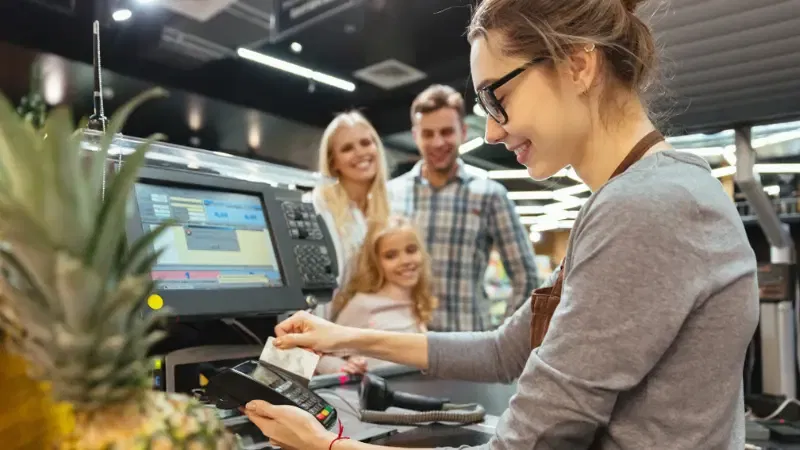
Modern checkout systems do more than replace cash registers. They improve checkout speed, customer experience, and business control. They also help retailers prepare for future needs. Below are the main benefits that matter most to retail businesses today.
Faster and Smoother Checkout
Modern systems cut checkout time. They scan barcodes and process payments fast. They handle cards, contactless payments, QR codes, and digital wallets without delays. With these systems, lines move quickly, and customers spend less time waiting. Faster checkout helps retailers complete more sales during busy hours, which boosts revenue and reduces lost sales from long queues. Research shows that faster checkout and seamless payment support improve satisfaction and increase the chance customers return.
Better Customer Experience
Customers expect choice and convenience. Modern checkout systems accept many payment types under one system. They make it simple for customers to pay the way they want. Retailers can also collect basic customer data to offer loyalty programs or rewards. These features create a smoother experience at checkout and make customers feel valued. Stores that deliver astrong customer experience are more likely to keep shoppers coming back.
Stronger Business Control
Modern systems give retailers clearer insight into store performance. They track sales, inventory, and trends in real time. Retailers can see what sells best and when stock runs low. This reduces errors and out-of-stock issues. Research shows modern POS-inventory integration can boost inventory accuracy by significant margins and cut manual work.
Retailers also get performance data on products and staff. These insights help with decisions on staffing, stock, and pricing.
Future-Ready Retail Operations
Modern checkout systems adapt to change. Retailers can add payment methods as they appear. They can scale from one store to many. Multi-store support lets managers view sales and stock across all locations from one place. These systems also integrate with tools like accounting or e-commerce platforms, so retail operations stay unified as business needs grow.
How to Choose the Right Cash Register Alternative for Your Store
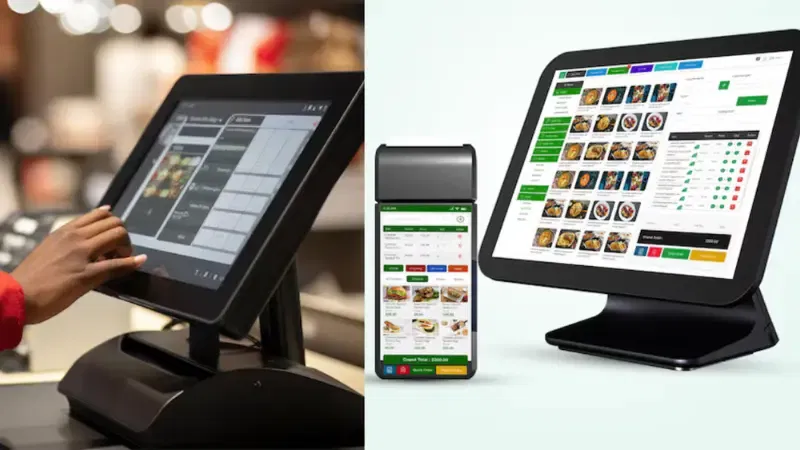
Choosing the right checkout system affects daily work and long-term growth. The best option depends on how your store operates today and how it may change tomorrow.
Assess Your Store Type and Traffic
- Start with store volume. Low-volume stores need a simple checkout. High-volume stores need speed and stability.
- Look at customer flow. Busy stores need systems that reduce lines during peak hours. Slower stores can rely on fixed checkout counters.
- Store structure also matters. Single-location stores need simple control. Multi-location stores need shared data across all locations.
- Choose a system that matches how customers move through your store.
Evaluate Total Cost, Not Just Hardware Price
Hardware cost shows only part of the picture. Modern cash register solutions include ongoing expenses that affect long-term value.
Consider the full cost:
- Software fees: Monthly or yearly charges for core features
- Payment processing costs: Fees for cards, contactless payments, and wallets
- Support and upgrades: Access to help, fixes, and system updates
A lower upfront price may lead to higher long-term costs. A slightly higher initial investment may deliver better stability and fewer issues over time.
Check Integration Requirements
Checkout systems should connect with other tools. Inventory integration updates stock after each sale. This reduces errors and manual work.
Accounting links also matter. Sales data should sync with bookkeeping software to save time.
Some retailers use loyalty or customer tools. If customer data matters to your business, check system support early.
Poor integration creates gaps. Strong integration keeps operations smooth.
Plan for Growth
Retail needs change. The checkout system should scale without full replacement.
Look for systems that support:
- New store locations: Central control across all stores
- New payment types: Easy support for contactless and digital wallets
- More checkout capacity: Simple addition of terminals, tablets, or self-checkout
Smart POS systems support growth. They adapt as stores expand and customer habits change.
Key takeaway:
The right checkout system fits today’s needs and tomorrow’s plans. Careful choice leads to smoother operations and better returns.
Frequently Asked Questions About Traditional & Modern Checkout
What is the main difference between a cash register and a POS system?
A cash register records sales only. A POS system manages sales, inventory, and reports in one system. It gives retailers better control and real-time data. Compared to cash registers, POS systems support more payment options and easier store management.
Are self-checkout systems suitable for small retailers?
Self-checkout systems can work for small retailers with steady customer flow. They help reduce lines during busy hours. However, they need space and staff oversight. Many small stores use one self-checkout unit instead of multiple staffed counters.
Do mobile POS systems support contactless payments?
Yes. Most mobile POS systems support contactless cards, mobile wallets, and QR payments. Staff can accept payments anywhere in the store. This helps reduce lines and improves checkout speed without fixed counters.
Which checkout option is most cost-effective for retail stores?
Smart POS systems offer the best long-term value for most retailers. They cost more than cash registers upfront, but reduce errors and manual work. Self-checkout systems cost more but deliver higher returns in high-traffic stores.
Can modern POS systems scale with business growth?
Yes. Modern POS systems scale easily. Retailers can add new devices, stores, and payment methods without replacing the system. Central dashboards help manage multiple locations and support long-term business growth.
Final Take
Traditional cash registers no longer support modern retail needs. They limit speed, payment choice, and control. POS systems, self-checkout, and mobile POS solve these gaps. Each option offers clear advantages when matched to the right store setup.
The right choice depends on your business. High-traffic stores need speed and efficiency. Growing brands need better data and control. Flexible formats benefit from mobile and scalable setups.
The right checkout system improves accuracy, reduces delays, and keeps customers satisfied.
CTA
If you’re evaluating which checkout system best fits your store, SwiftForce can help you find the right balance between speed, flexibility, and long-term scalability.
Visit to explore our full range of POS, self-checkout, and retail hardware solutions. Or connect with our team to discuss your store setup, traffic levels, and business goals.
Let’s build a checkout experience that works for your business—every day.